Scale video production with a Video Automation API
Turn your data into branded videos. Set up your design and animations once, then generate new versions without editing each one by hand.
 designs and add motion
50 free credits. No credit card required.
Trusted by teams at







Auto generate branded videos via API or #nocode tools
Automate video variations from a reusable template
Build one template with your branding. Then send new text, images and clips for each video, and every version keeps the same look.
Keep the design consistent
Set your fonts, colours, logo placement and layout once. Generate variations for different products, customers or locations using the design you’ve prepared.
Browse ready-made video templatesReuse the animation and timing
Decide when your headline appears, how your images move and when your call to action enters. Carry that sequence into each new version.
See the animation editorUpdate the content automatically
Connect headlines, prices, photos and video clips to template layers. Your workflow supplies the next set of details without someone opening and editing each video.
See how layers connect to dataBuild video templates your team can update
Start with your existing designs
Import a Canva design or build a layout in the visual editor. Add motion in Templated and turn it into a template for recurring videos.
See how Canva import works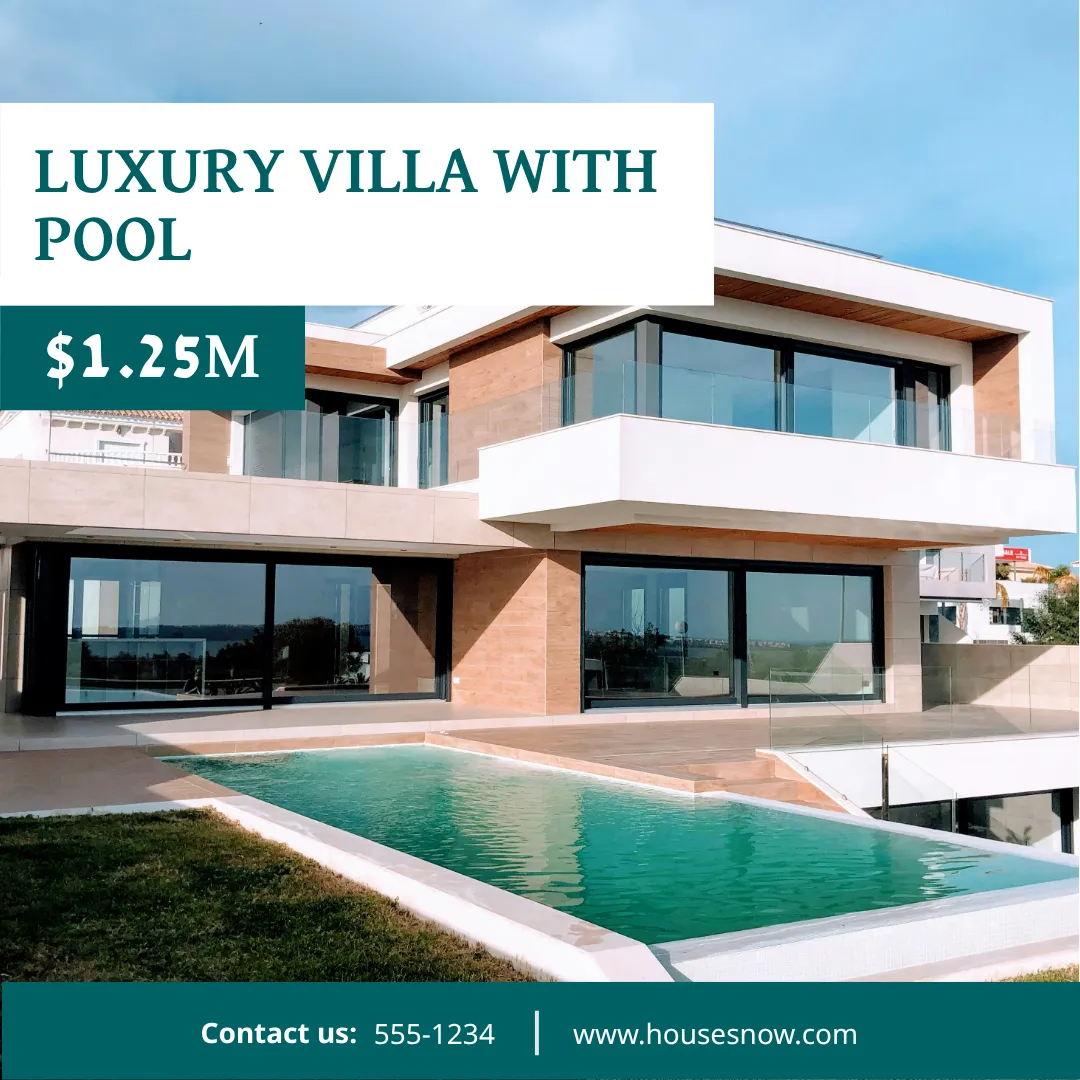
Combine footage with branded content
Place video clips alongside text, images and shapes. Reuse product footage, property clips or other supplied videos while updating the details around them.
Learn how to use video layers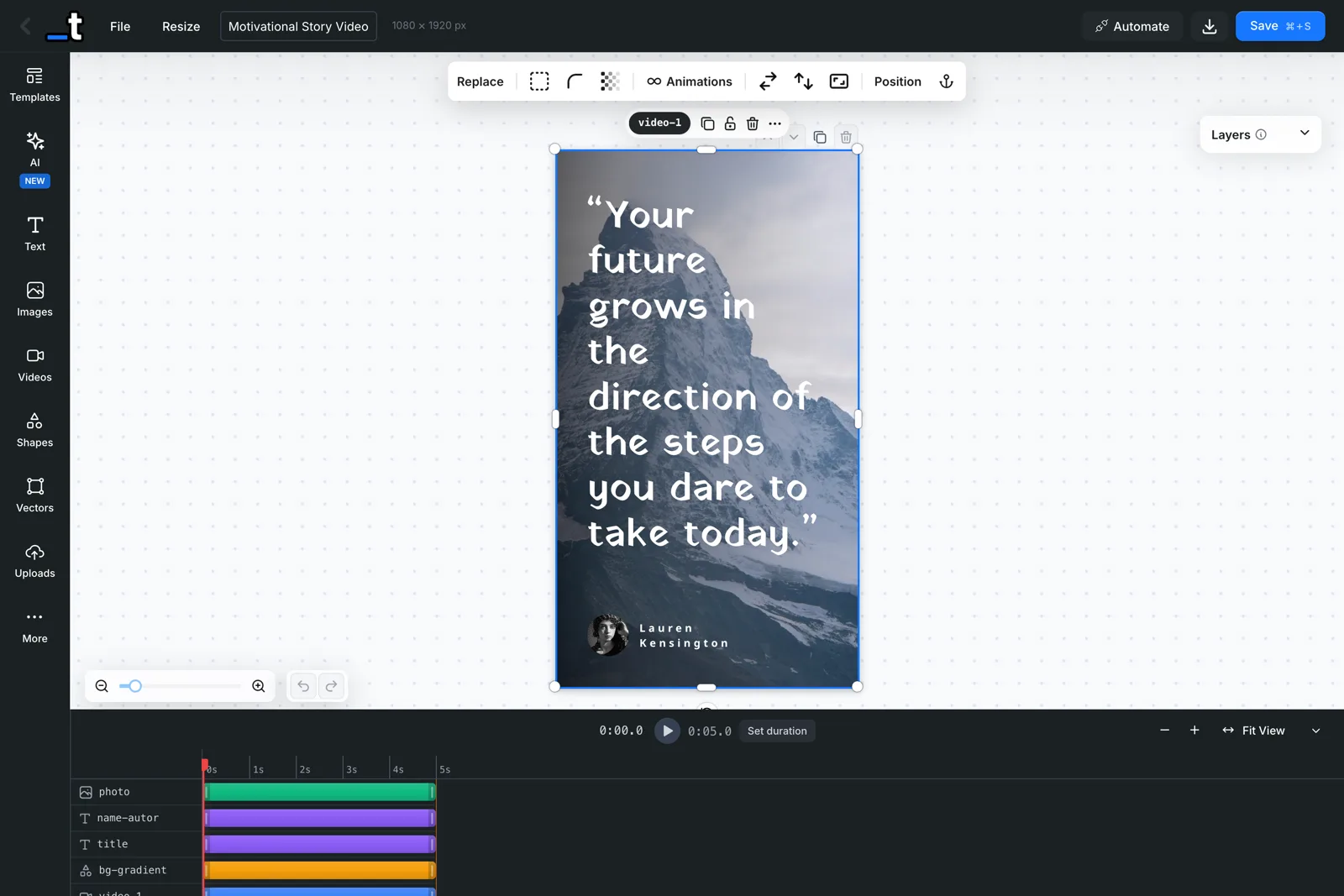
Preview the timing before you generate
Use the timeline to adjust when each layer appears and disappears. Preview your animations and refine the sequence before producing variations.
Explore the timeline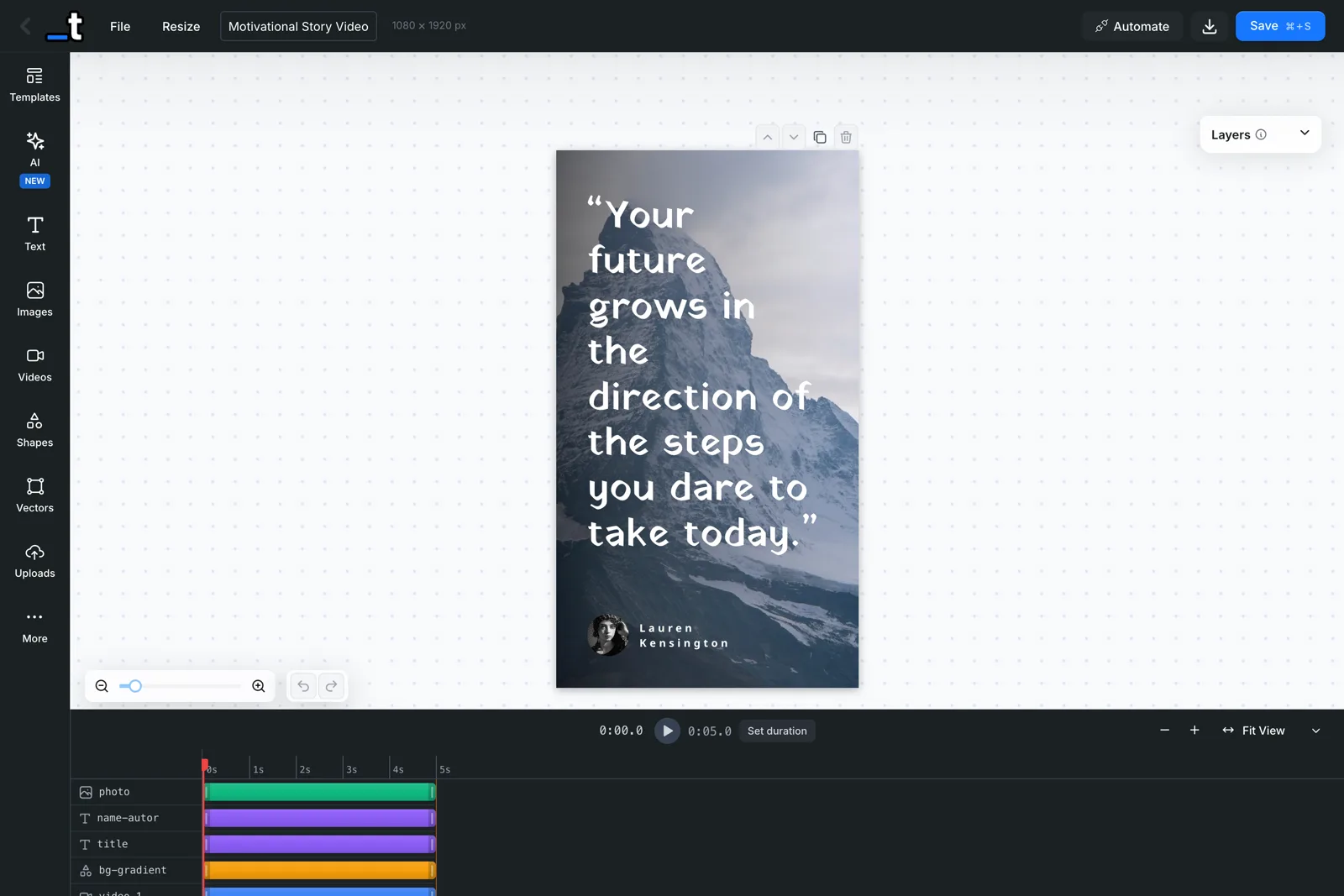
Turn your content into videos ready to publish
Bring your copy, images and clips together in reusable templates for social posts, campaigns and screens.
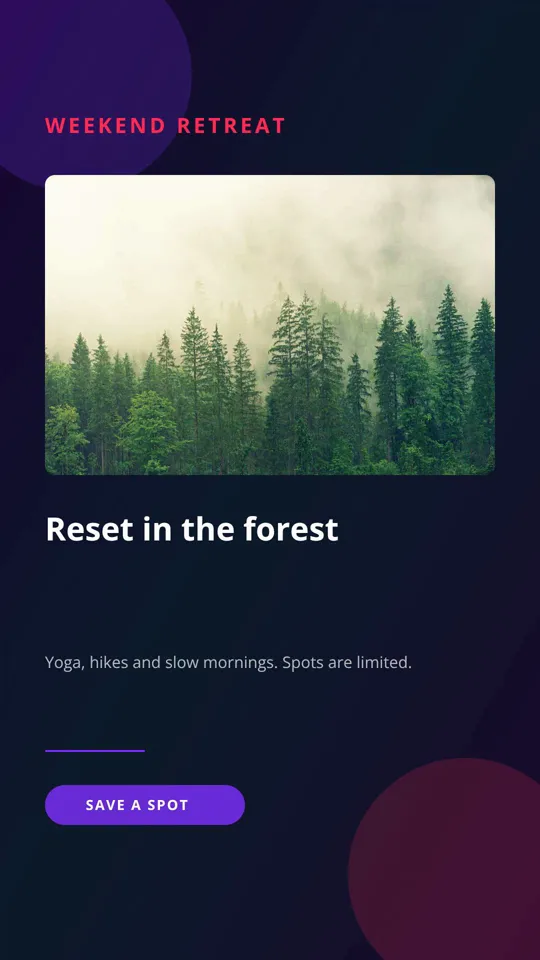
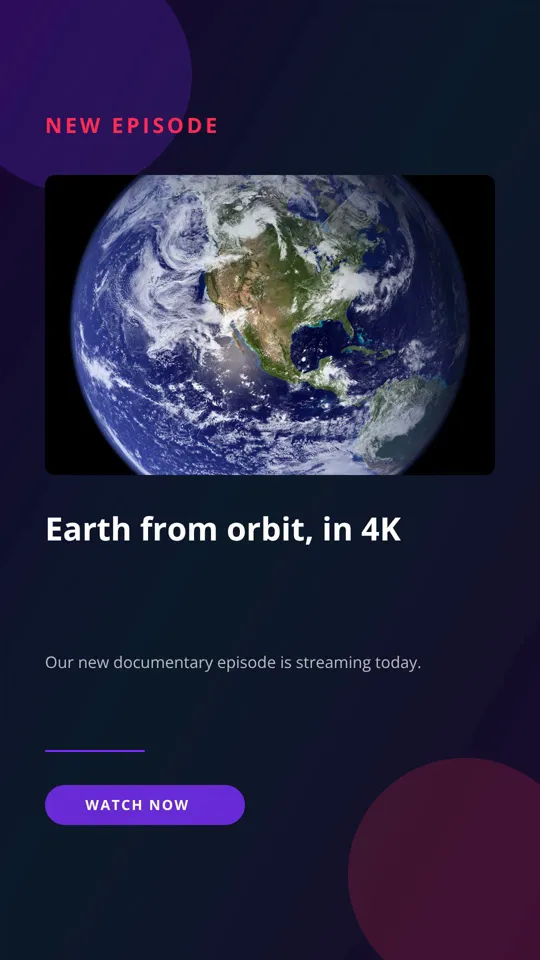
Product promos and video ads
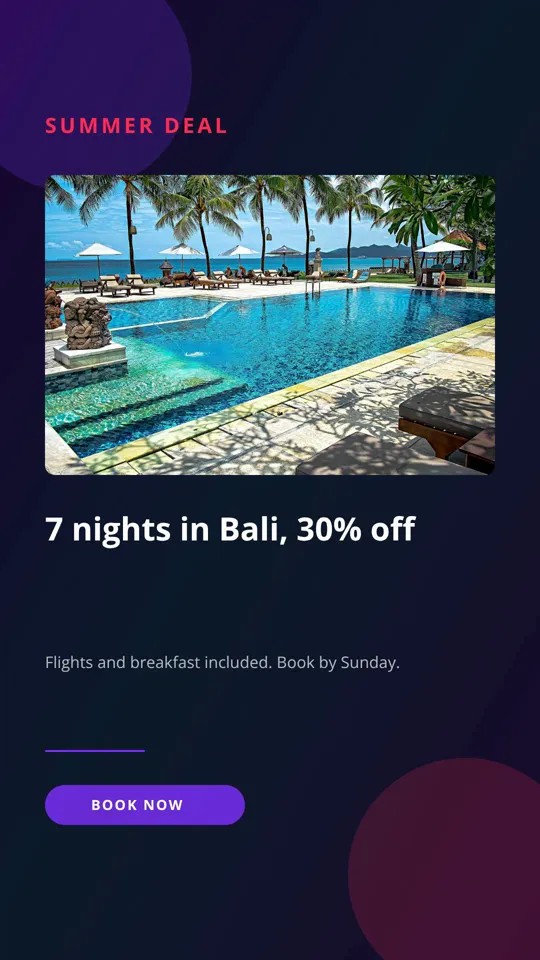
Combine product photos, clips, prices and offers into videos for Instagram, Facebook and TikTok. Generate variations for different products, promotions and audiences.
Property listing videos
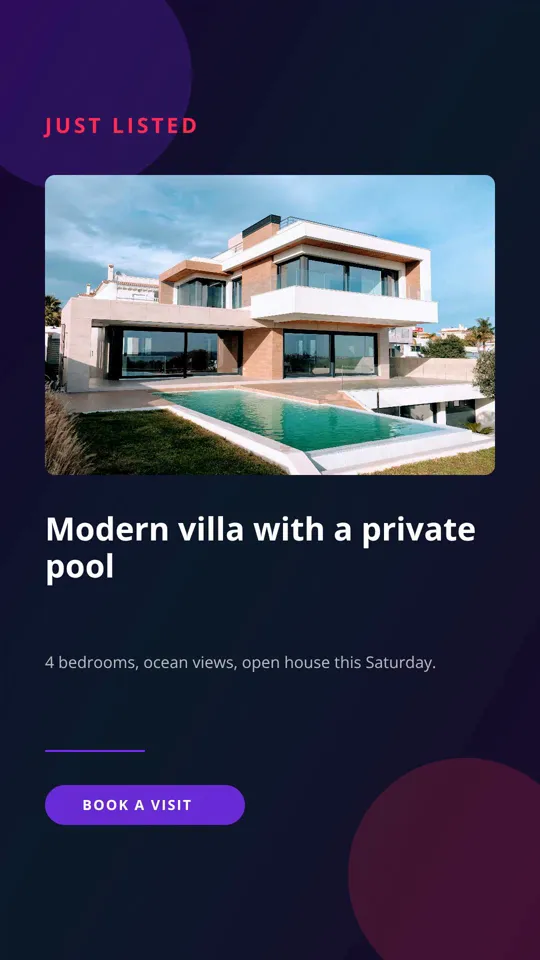
Turn property photos and footage into listing previews, open-house announcements and price updates for Reels, Stories and property websites. Include the relevant agent’s details in each version.
Tips, quotes and customer reviews
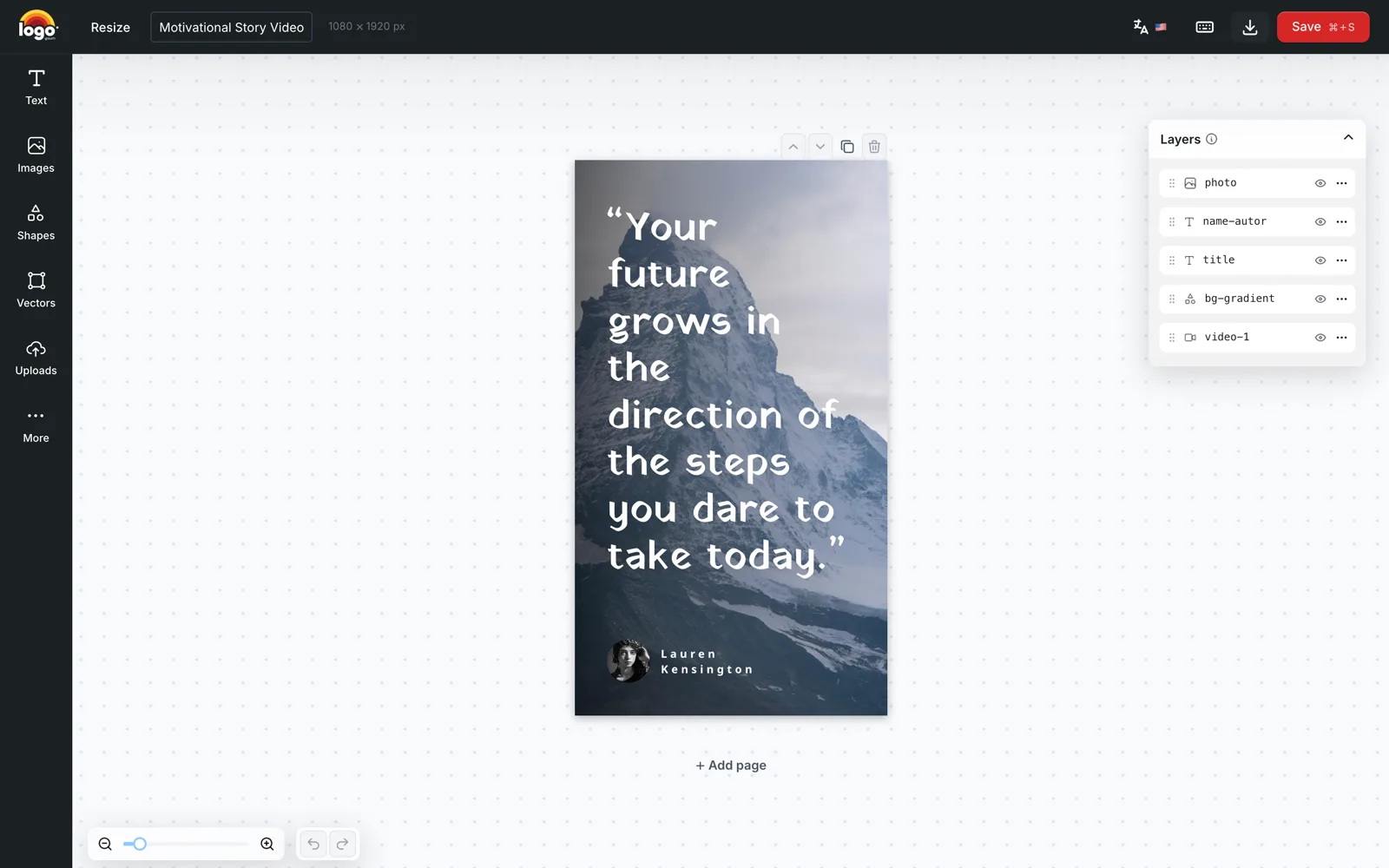
Turn useful advice, customer feedback and supplied quotes into animated videos for Instagram Reels, YouTube Shorts and LinkedIn. Reuse a recognisable format for each new post.
Event announcements and sports updates
Create speaker introductions, match previews, score updates and gig promotions for social feeds, Stories and venue screens. Update names, portraits, dates and results from your event data.
Local offers and in-store promotions
Generate videos for menu specials, salon offers and dealer promotions. Create versions for each location’s social accounts and in-store screens, with the right prices and contact details.
Article teasers and product updates
Turn headlines, supplied summaries and screenshots into short videos for LinkedIn, Facebook and your website. Give each article, feature release or announcement its own branded promotion.
Set the motion once. Reuse it in every version.
Give each element its moment
Introduce the product first, follow with the offer and finish with a call to action. Set start and end times for individual layers to build the sequence you need.
Animate text, images and shapes
Use entrance, looping and exit effects to bring your design to life. Animate text as a whole, word by word or character by character.
Create formats for each destination
Prepare vertical layouts for Stories and Reels, square layouts for feeds and landscape layouts for screens. Reuse your content across templates sized for each placement.
Generate images and PDFs alongside your videos
Use Templated for the other assets your campaigns and workflows need.
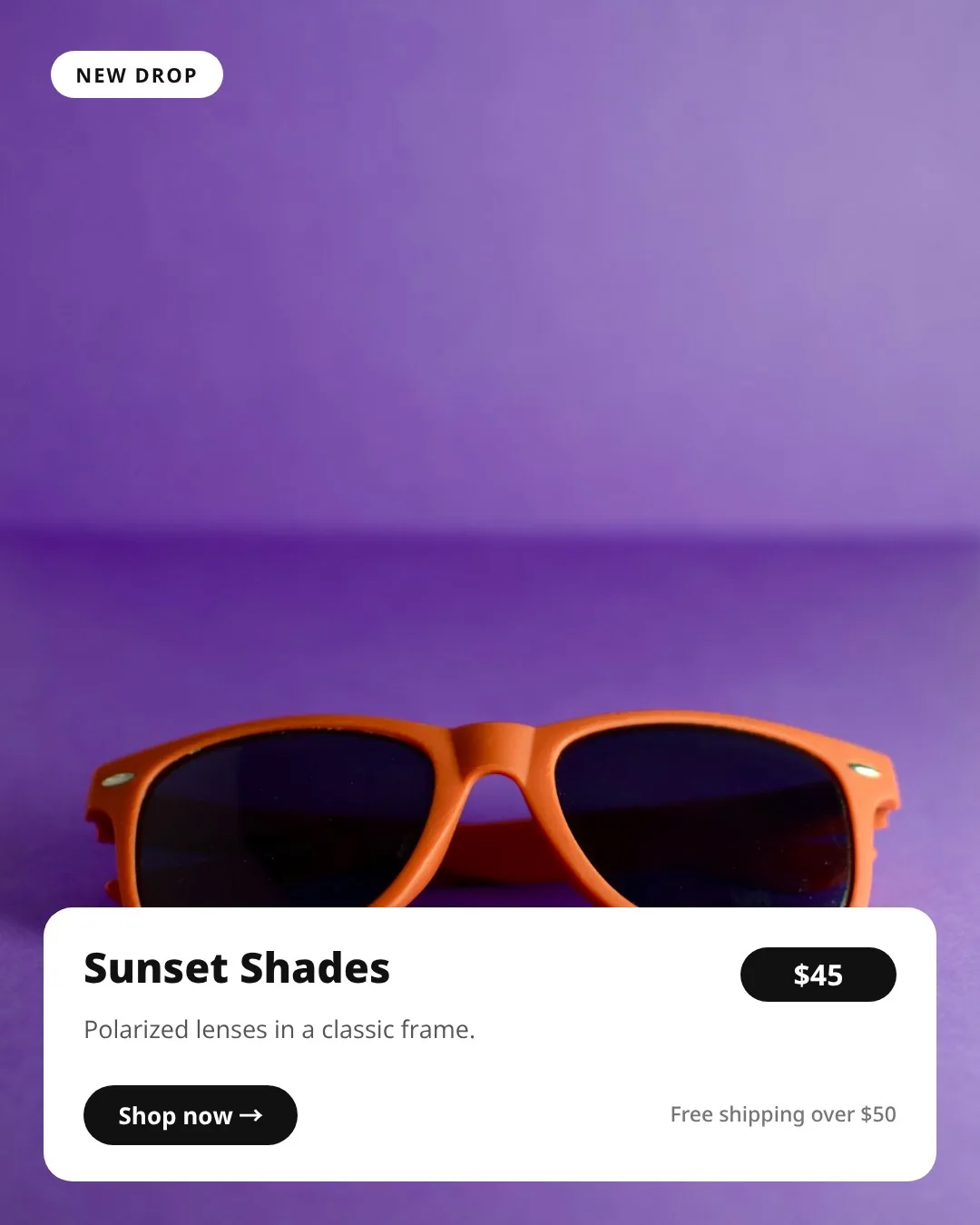
Image automation
Generate product banners, property graphics, social posts and campaign variations from reusable designs and changing data.
Explore the Image Automation API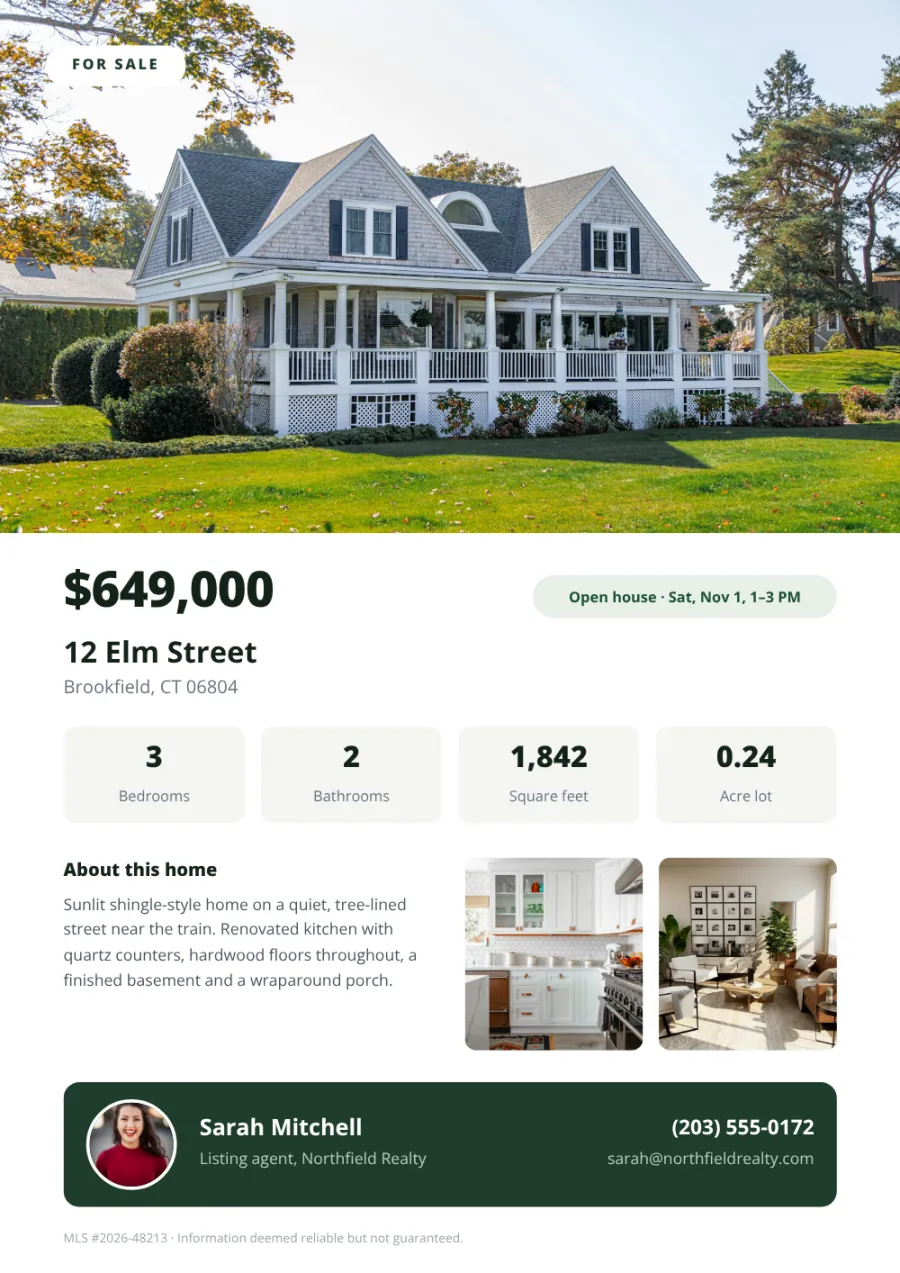
PDF generation
Create property sheets, product catalogs, certificates and other branded documents from the information already in your workflow.
Explore the PDF Generator APIIntegrations
Automate video creation with the tools you already use
Connect your application, spreadsheet or automation platform to turn new content into the next video.
For developers: generate videos from JSON
Send your template ID, select MP4 output and supply the layers to update. Set the duration and frame rate for your video, then retrieve the generated file when it’s ready.
Read the video API documentationcurl -X POST https://api.templated.io/v1/render \
-H "Authorization: Bearer $API_KEY" \
-H "Content-Type: application/json" \
-d '{
"template": "YOUR_VIDEO_TEMPLATE_ID",
"format": "mp4",
"duration": 10000,
"fps": 30,
"async": true,
"webhook_url": "https://your-app.com/webhooks/templated",
"layers": {
"headline": { "text": "Your weekend offer is here" },
"offer": { "text": "Save 20% through Sunday" },
"cta": { "text": "Shop the collection" }
}
}'Replace the template ID, layer names and webhook URL with your own. This example requests a 10-second video using the animations already saved in your template.
For no-code teams: n8n, Make and Zapier
Connect your content source, map its fields to your template and add video generation to your automation.

n8n
Turn product records, listing details or campaign content into video requests, then continue your workflow when rendering finishes.
Connect n8n
Make
Connect your business apps to Templated and pass the finished video to your storage, approval or publishing step.
Connect Make
Zapier
Use a new record or another connected event to trigger generation. Use a webhook request when you need video settings beyond those available in the standard action.
Connect ZapierFor spreadsheet users: turn rows into video variations
Keep headlines, offers, image URLs and other changing details in your spreadsheet. Use an automation to read each row and send its content to your video template.
Prepare a batch for a campaign or connect Google Sheets to an ongoing workflow.
Explore integrationsFor AI workflows: connect through MCP
Connect a compatible AI assistant to Templated to create templates, adjust animations and generate videos from supplied content.
 Claude
 ChatGPT
 Cursor
 Any MCP client
From new content to finished videos, automatically
Choose your output settings, generate each variation and send the finished files to the next step in your workflow.
Compare plans and limits- Request
- Async render
- Webhook
- Your workflow
Choose how each video renders
Set the format, swap source footage and send finished files where your team already works.
Set the format your content needs
Choose dimensions, duration and frame rate for each video. Render MP4s up to 90 seconds long and up to 60 FPS.
Swap footage without rebuilding
Supply a different video URL for each render. Change the product demo, property clip or background footage while reusing your branded layout.
Include audio from your footage
Use video clips containing music, speech or a voice-over. Manage playback, looping and muting through the video layer’s settings.
Trigger the next step on completion
Generate videos in the background and receive a completion webhook. Connect it to your approval, storage or publishing workflow.
Download a batch together
Bundle generated videos into a ZIP file for a single download. Keep campaign outputs together for handover to a client or publishing team.
Deliver videos to your own storage
Send finished files to Amazon S3, Cloudflare R2 or another supported S3-compatible bucket. Available on Scale and Enterprise plans.
Start automating your video production
Connect one video template to your data and generate as many versions as you need, without editing each one by hand.
Get started free50 free credits. No credit card required.
Add video design and editing to your SaaS product
Let customers customise video templates inside your application. Embed Templated’s editor, match it to your branding and enable the video tools your product needs.
Customers prepare their designs in your interface. Your integration supplies the content and requests the finished MP4.
Explore the embedded editorProduction embedding is available on Scale and Enterprise plans. Embedded video features are currently in beta.
- Free templates
- 200+
- Images per month
- 2M+
- Videos & PDFs per month
- 1M+
- Templates created
- 200K+
What customers say about Templated
"Very reliable platform. Almost no errors ever. Easy to setup templates and use the API. And AMAZING support!"
"We booked the "Scale" package to use it as a "print product editor" and we are amazed by the features and the support! Pedro replies to every question and also implemented small hints to the API for better functions on our request. Absolutly great Software and Service!"

Frequently asked questions
What is a video automation API?
Can I try the video generation API for free?
Can I generate videos from images and text?
Can I use a Canva design?
Can I generate videos in bulk?
How long does video rendering take?
How does video pricing work?
Can I include music or a voice-over?
Does Templated publish the videos automatically?
How does Templated compare with other video automation tools?
Is video rendering available for production workflows?
Ready to automate your video creation?
Set up your video template once, then let your workflow generate every version.
50 free credits. No credit card required.