PDF Generator API
for automated document creation
Turn your business data into invoices, certificates and other branded PDFs automatically. Connect your data, define the template and generate each document without updating it by hand.
 & PDF designs
50 free credits. No credit card required.
Trusted by teams at








Auto generate invoices, certificates, catalogs and more via API or #nocode tools
Design your template layout once. Your data fills every document.
Map names, dates, prices and images to specific template fields. Set their positions, dimensions and alignment once, then reuse the layout for every record, with consistent branding each time.
Import your existing PDF or Canva design
Turn a design you already have into an editable template. Import a Canva project or existing PDF into Templated, review the imported elements and configure which fields to personalise.
Adjust layouts and branding in the visual editor, then connect your template to your workflow. No need to start from scratch.
See how import works
Create and update PDF templates visually
Arrange text fields, images, logos and tables in the drag-and-drop editor. Set positions, dimensions and text-fitting options for each field. Your template handles the layout while your workflow supplies the content.
Your team manages branding and spacing without touching your integration code. Update a design in the editor and your next render picks it up automatically.
Explore the editorStart with an AI-generated PDF template
Describe the document you need and Templated generates a starting layout for you. Preview it with your own content, refine the field positions and connect it to your workflow, all without designing from a blank canvas.
Try the AI template generatorAutomate every document your business creates on repeat
Invoices, certificates, catalogs, quotes and more. Pick a template and produce every version from your data, in your branding, as often as you need it.
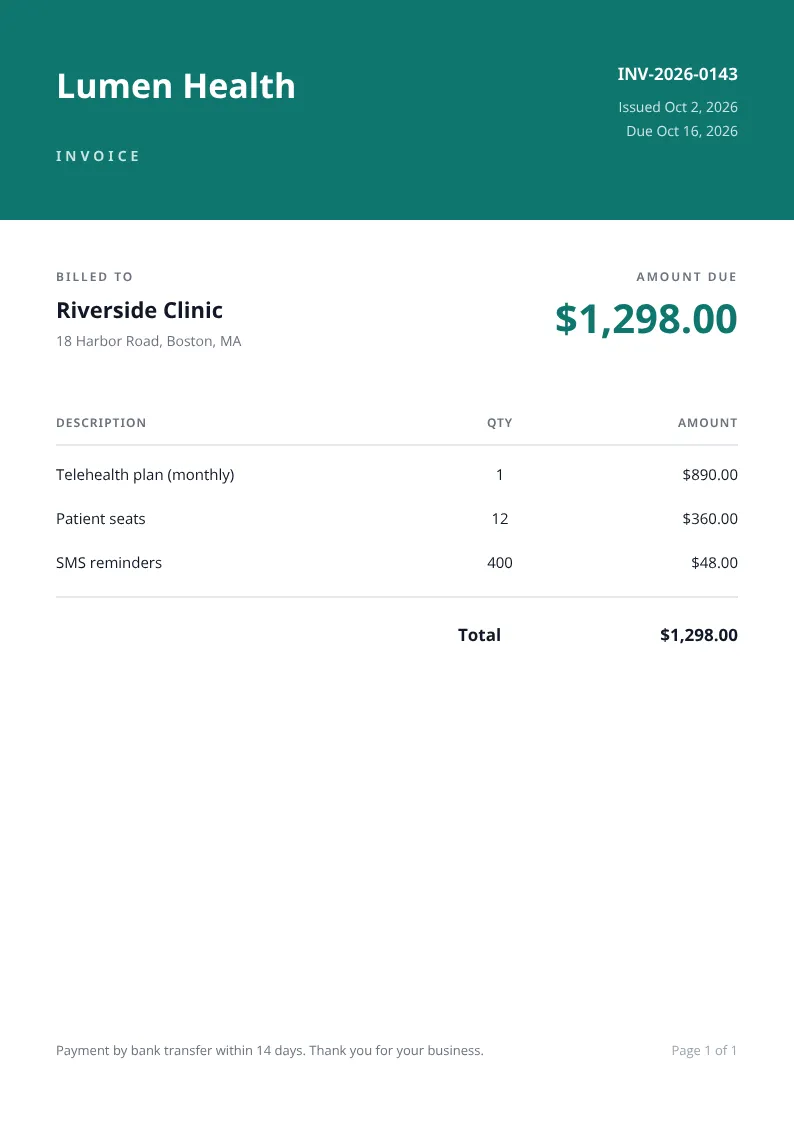
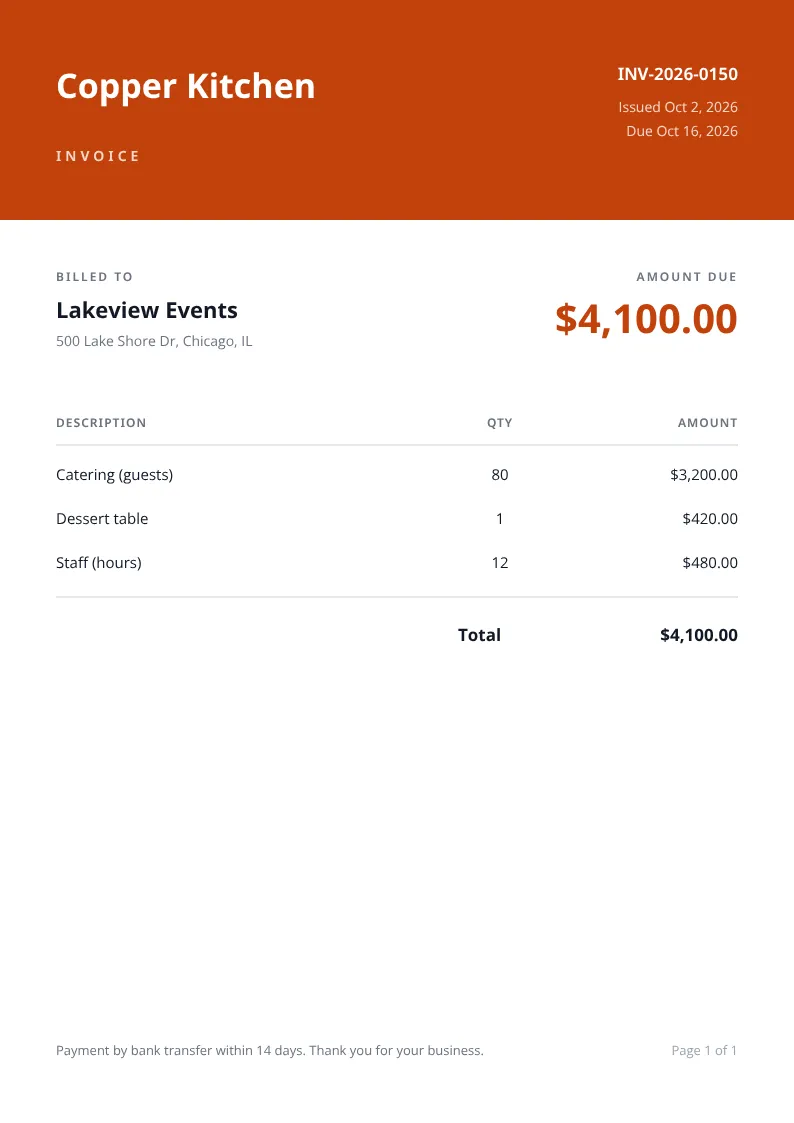
Invoices and receipts
Create branded PDFs with customer details, purchased products, payment references and totals supplied by your billing system.
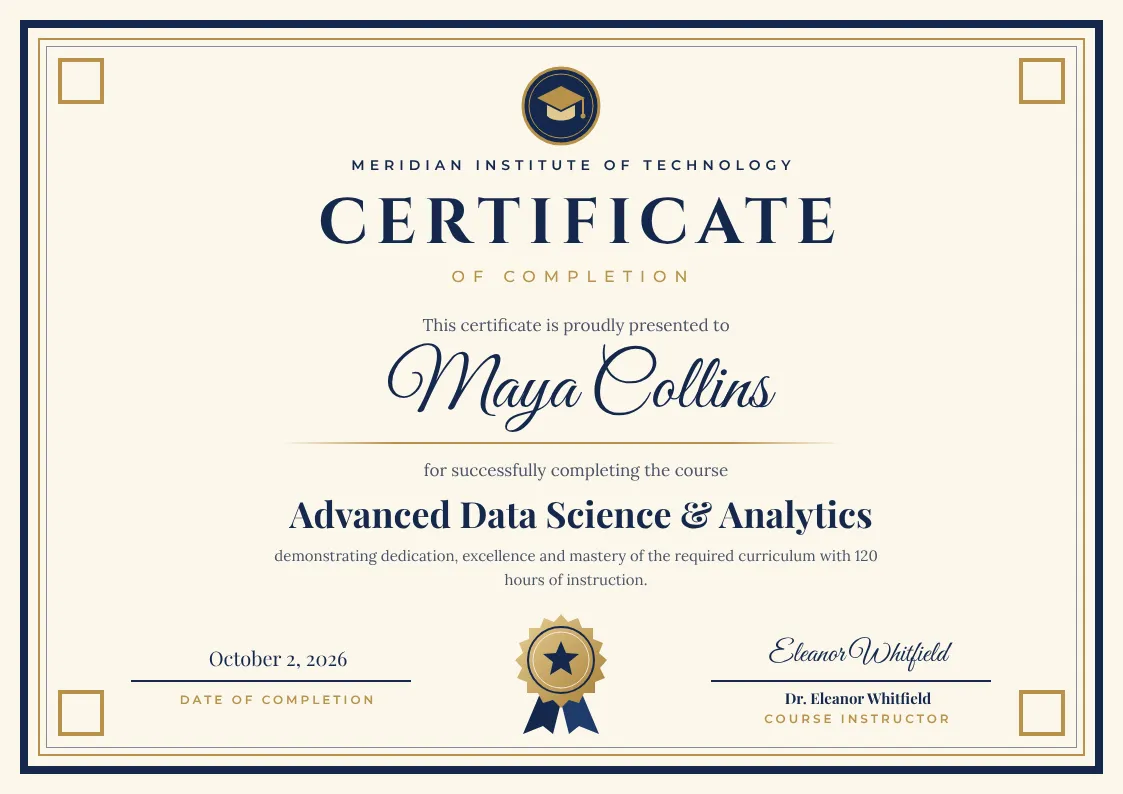
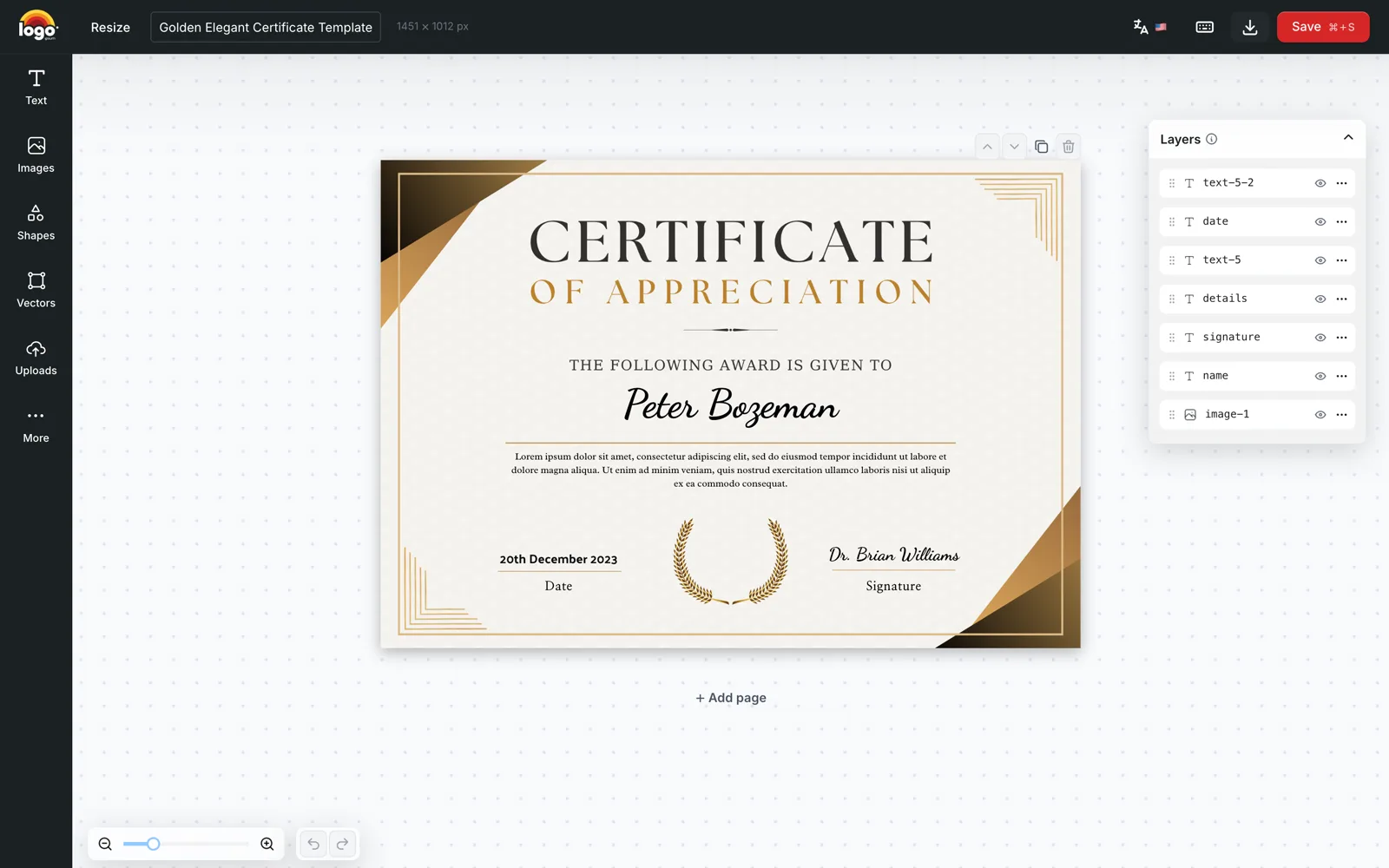
Certificates and diplomas
Generate personalised certificates for courses, training, internships and awards using recipient names, achievement details and completion dates.
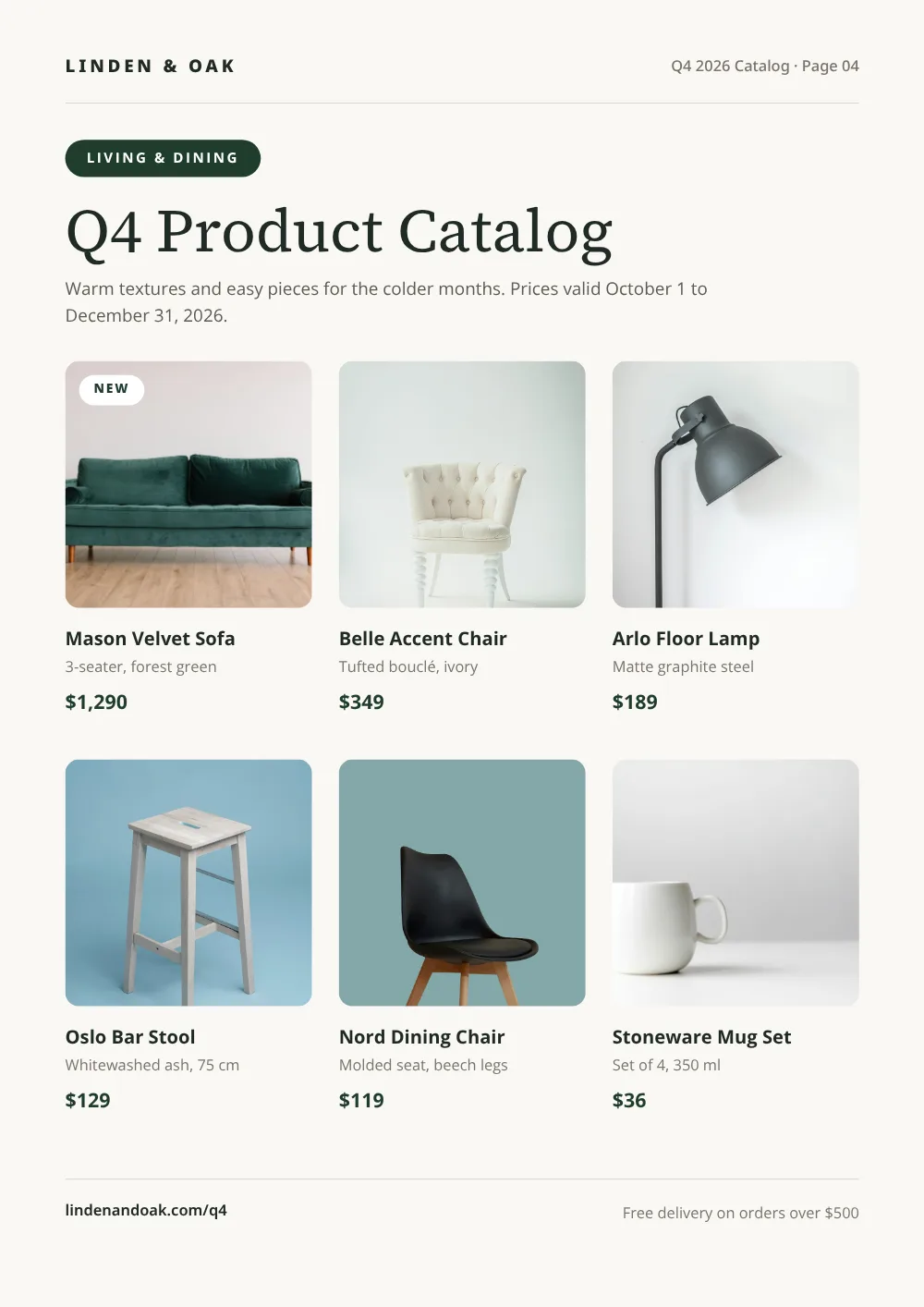
Product catalogs and price lists
Turn product photos, descriptions and prices into catalogs, wholesale lists and customer-specific offers, assembled automatically from your data.
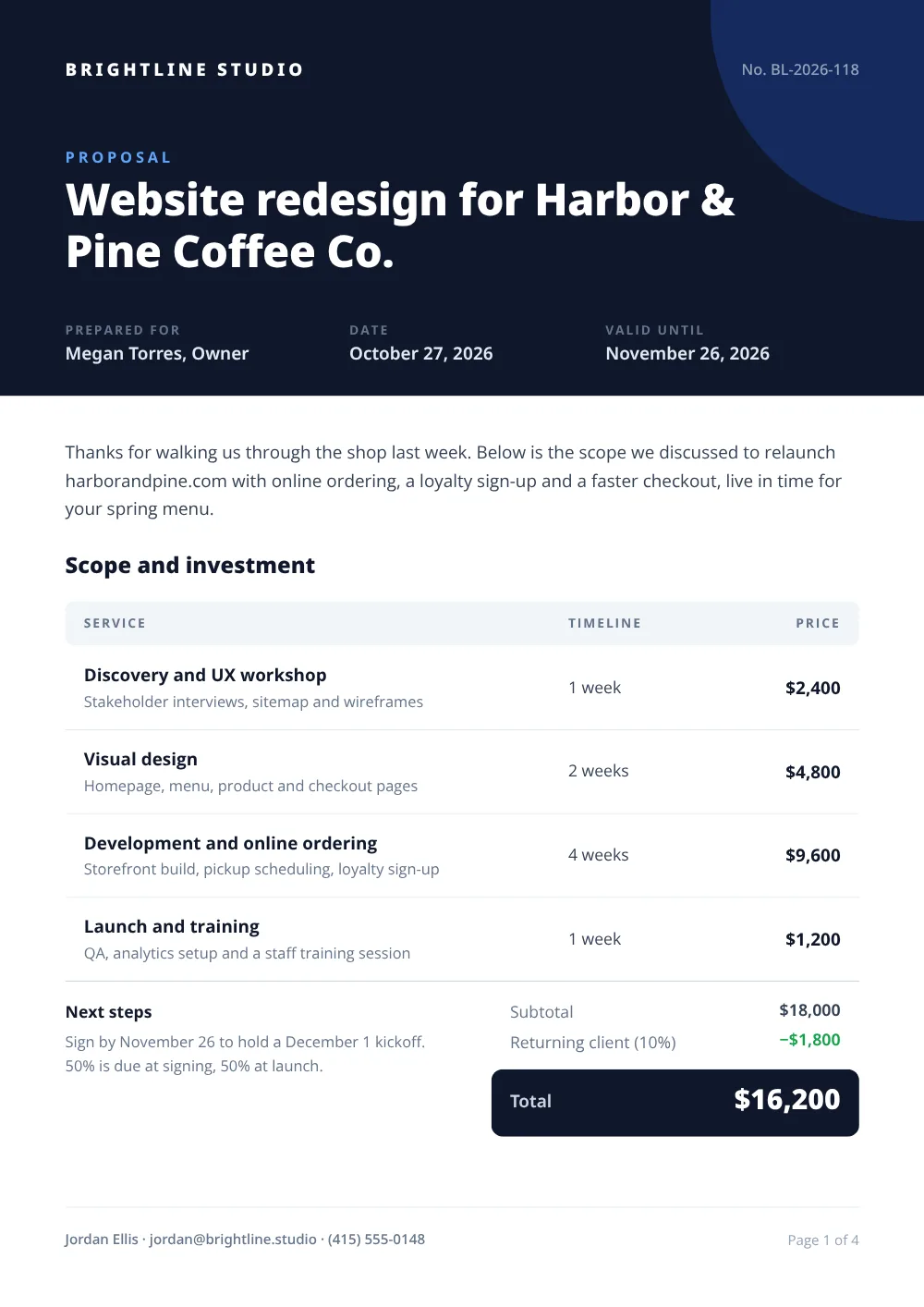
Quotes and proposals
Populate sales documents with customer information, service descriptions, product images and prepared pricing, ready to send in seconds.
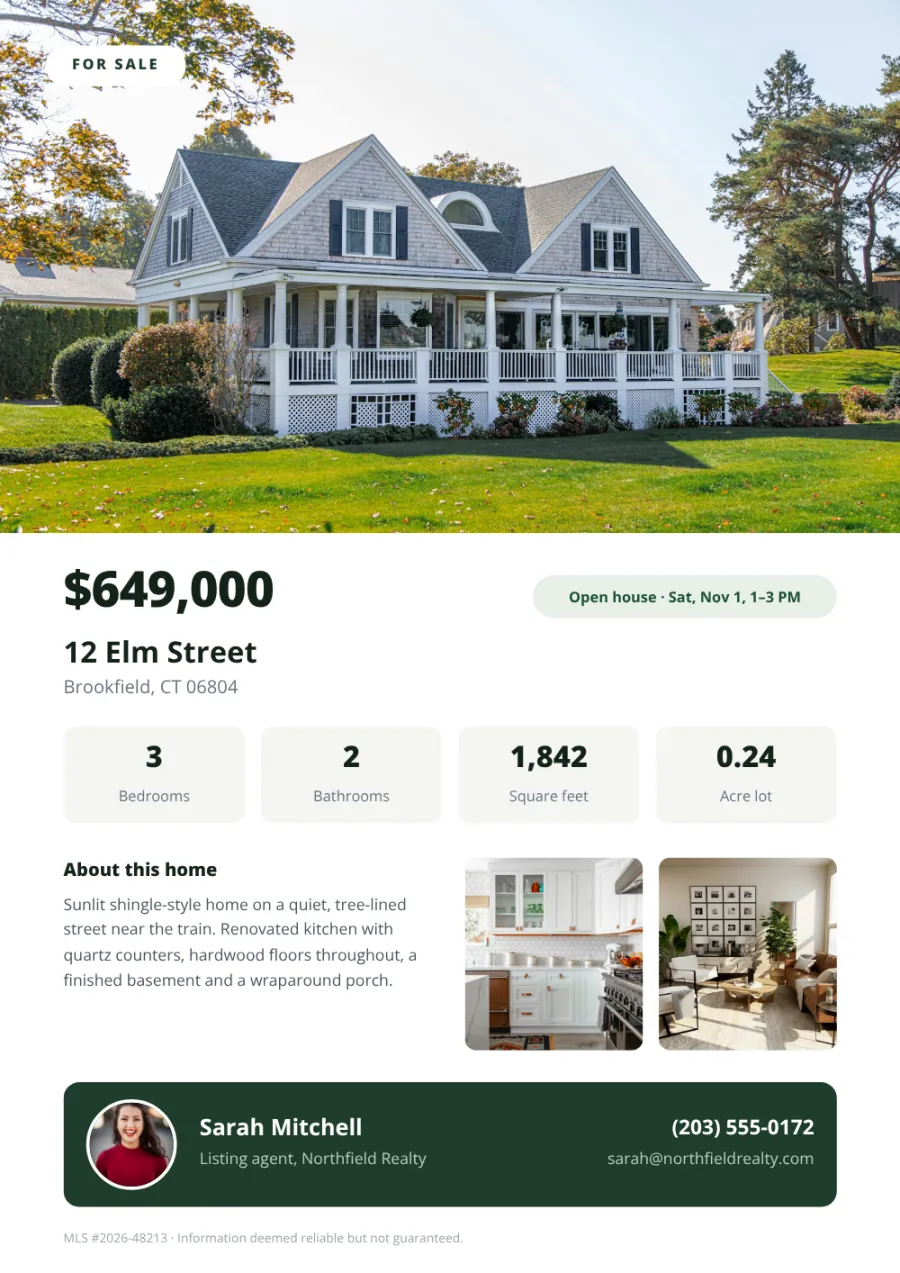
Property sheets and brochures
Create listing PDFs with property photos, specifications, prices and agent details. Reuse your design for each property or location.
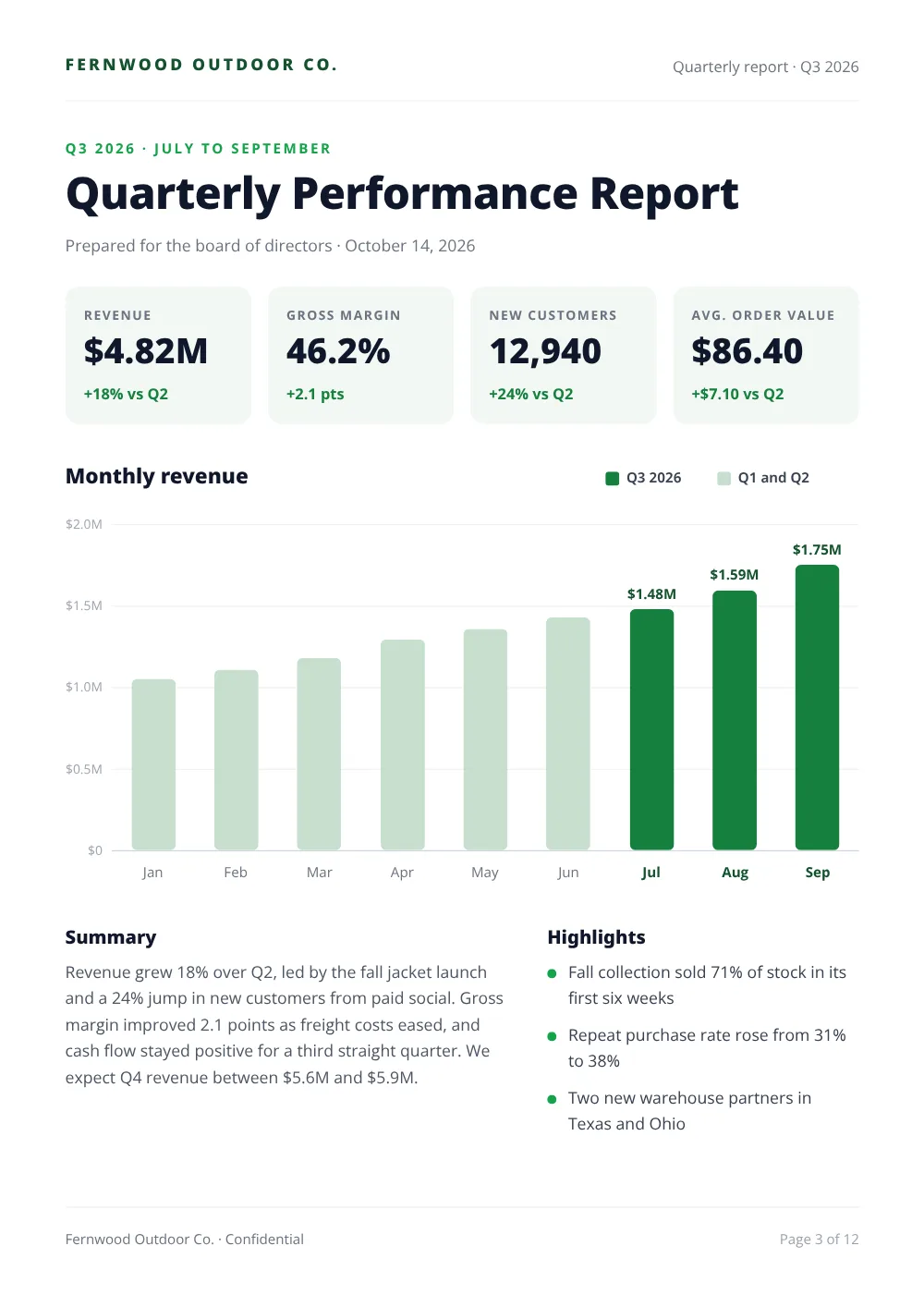
Reports, guides and checklists
Combine summaries, figures, images and client details in branded documents with a repeatable page structure, generated on demand.
Build complete documents with control over every page
Go beyond single-page output. Create multi-page documents, merge renders, deliver to your own storage and more.
Generate multi-page PDFs
Create a multi-page template, supply the content for each page and combine the output into one PDF. Use it for brochures, guides and other documents with a defined layout.
Assemble catalogs from spreadsheets
Upload a CSV or Excel file and map its columns to your product fields. Templated fills the product grid, creates category sections and combines covers, dividers and product pages into a single catalog.
Explore catalog generationPrepare PDFs for print
Choose CMYK output and PDF flattening when your print workflow requires them. Check a generated sample against your printer’s specifications before production.
Merge generated documents
Combine separately rendered files into one PDF using the merge endpoint. Build a cover page, a table of contents and content sections as individual renders, then merge them into the final file.
Read the merge documentationDeliver to your own storage
Send generated files to your S3-compatible bucket on Scale and Enterprise plans. Keep documents in your own infrastructure and serve them directly from your application.
PDF and image from one template
Change the format parameter to generate a PDF or an image from the same template. Use the PDF for document workflows and the image for email, social or preview thumbnails.
Add images and videos to your workflow
Automate more of your business content with Templated’s visual editor and generation API.

Image automation
Generate social posts, product banners, property graphics and other branded images from reusable templates and changing data.
Explore the Image Automation APIVideo automation
Generate MP4 videos from animated templates. Update text, images and offers to create new versions for products, campaigns and locations.
Explore the Video Automation APIIntegrations
Connect the PDF generation API to your workflow
Generate documents from your application, an automation platform or the data in your spreadsheet.
For developers: generate PDFs from JSON data
Send your template ID, choose PDF output and supply the fields to update. The API returns a file URL your application can use.
Read the PDF generation API documentationcurl -X POST https://api.templated.io/v1/render \
-H "Authorization: Bearer $API_KEY" \
-H "Content-Type: application/json" \
-d '{
"template": "YOUR_CERTIFICATE_TEMPLATE_ID",
"format": "pdf",
"layers": {
"recipient_name": { "text": "Alex Morgan" },
"course_name": { "text": "Customer Success Essentials" },
"completion_date": { "text": "20 October 2026" }
}
}'Replace the template ID and layer names with those from your template. Set "format": "pdf", "png" or "jpg".
For no-code teams: n8n, Make and Zapier
Connect your data source, map its fields to your template and add PDF generation to your existing automation.

n8n
Generate a document after your workflow retrieves and prepares the required data.
View n8n integration
Make
Connect a form, spreadsheet or business application to Templated, then pass the generated PDF to your delivery or storage step.
View Make integration
Zapier
Trigger PDF generation when a record is created, a form is submitted or another connected event occurs.
View Zapier integrationFor spreadsheet users: generate PDFs in batches
Upload a CSV or Excel file, map its columns to your template and preview individual records before generation.
Create certificates, personalised letters and other documents from the information already organised in your spreadsheet.
Explore spreadsheet generation

For AI workflows: connect through MCP
Connect a compatible AI assistant to Templated to work with your templates and generate PDFs from supplied content.
 Claude
 ChatGPT
 Cursor
 Any MCP client
Keep recurring generation moving
Use asynchronous rendering to submit a generation request without holding the connection open. A completion webhook lets your application continue when the PDF is ready.
Read async documentationOn Scale and Enterprise plans, you can also deliver generated files to your own S3-compatible storage.
- Submit render
- PDF generates
- Webhook fires
- Your app continues
PDF generator API pricing based on the pages you generate
Each generated PDF page uses one render credit. A one-page invoice uses one credit; a five-page brochure uses five.
Starter
$29 /month, billed annually
1,000 render credits / mo
For teams getting started with automated PDF generation and exploring what’s possible.
- All PDF output formats
- API + no-code integrations
- Spreadsheet generation
Scale
Popular$79 /month, billed annually
5,000 render credits / mo
For growing teams with regular PDF workflows: certificates, invoices and catalogs at volume.
- Everything in Starter
- Embedded editor
- S3-compatible storage delivery
Enterprise
$179 /month, billed annually
25,000 render credits / mo
For businesses with high-volume PDF generation needs and custom requirements.
- Everything in Scale
- Dedicated support
- Custom credit volumes
Credits are shared across PDF, image and video generation. Compare plans
Start with 50 free credits. No credit card required.
Put your PDF generation on autopilot
Connect your billing system, spreadsheet or application and let Templated generate every invoice, certificate or catalog from it.
Get started for free50 free credits. No credit card required.
Add document design and editing to your SaaS product
Let customers create and customise document templates inside your application, then generate PDFs from their designs and data.
Embed Templated’s editor, match it to your branding and configure the editing tools available to your users.
For simpler personalisation, use Form Mode. Customers update selected text, images and colours through a form with a live preview. You choose which template layers they can change.
Explore the embedded editorProduction embedding is available on Scale and Enterprise plans.
- Free templates
- 200+
- Images per month
- 2M+
- Videos & PDFs per month
- 1M+
- Templates created
- 200K+
What customers say about Templated
"Business pressures now demand almost a 24x7 operation. The difference between choosing one SaaS product or another isn't just down to the technical capabilities of each, but down to their responsiveness when it doesn't quite work. In this case, an issue blocked us from being able to use the platform as intended. Within minutes of using the live chat, the issue was not only reproduced but correctly identified. Within the hour, the hot fix had been coded, tested and applied - unblocking the bottleneck and allowing us to carry on working. This is exceptional and the reason why I can't recommend this company enough - I'm so impressed and very grateful for their hard work. Keep it up!"
"This is a clever idea, especially in concert with programmatic (AI-generated) SEO."

"We were looking for tools to help our users create and edit images with templates. We tried options like Canva, but Templated.io turned out to be the perfect choice for our product. It offers an easy API to render images, and its embed editor lets us provide our users with a full editing experience without having to create complex frontend components. It's a really great tool!"
"We integrate Templated.io into our portal for custom flyer generation. The editor is amazing, and the Canva import tool is exactly what we were looking for. Massive shoutout to Pedro for the technical support. He responds incredibly fast and fixes issues in no time. Highly recommended!"
"Brilliant piece of software. Reasonably priced (vs Canva's outrageously expensive API), and despite a few intricacies with the editor, a really fully-featured document generation API. Really great support too from Pedro, the founder!"
"Very reliable platform. Almost no errors ever. Easy to setup templates and use the API. And AMAZING support!"
"We booked the "Scale" package to use it as a "print product editor" and we are amazed by the features and the support! Pedro replies to every question and also implemented small hints to the API for better functions on our request. Absolutly great Software and Service!"
"Templated.io is basically a an API-first graphics content designer which makes it super easy to programmatically create document and image assets. It has most basic features and it is robust and "just works". The Make.com app really makes it super simple to incorporate into automation workflows. What sets templated.io apart the most is Pedro and his super fast and service minded, solutions oriented responses."
"Amazing API, perfect support and a lot of new features on a monthly basis."
"Currently working through an implementation of Templated.io and the customer service has been spectacular!!! I get near immedate response and near immediate remedies. It's glorious. I wish other companies were like this!!! Strong recommendation!"


Frequently asked questions
Questions about the PDF Generator API, pricing and how it compares to other tools. Contact support
What is a PDF generator API?
Can I try the PDF generator API for free?
How does Templated handle different text lengths?
How long does PDF generation take?
Can I generate PDFs in bulk?
Can I generate PDFs without writing code?
Can I use my existing PDF or Canva designs?
Can I generate multi-page PDFs?
Does Templated send PDFs to customers?
How does Templated compare with other PDF generation tools?
Automate your documents. Free up your team.
Connect your designs to your data and let Templated generate the PDFs. Keep invoices, certificates and other documents moving through your workflow as your business grows.
50 free credits. No credit card required.