# Embed Configuration
Configure your embedded editor settings to match your brand and control user permissions. Access these settings in your Templated dashboard under [Embed Setup](https://app.templated.io/embed).
## Basic Configuration
### Domain Settings
Control which domains are allowed to embed the editor.
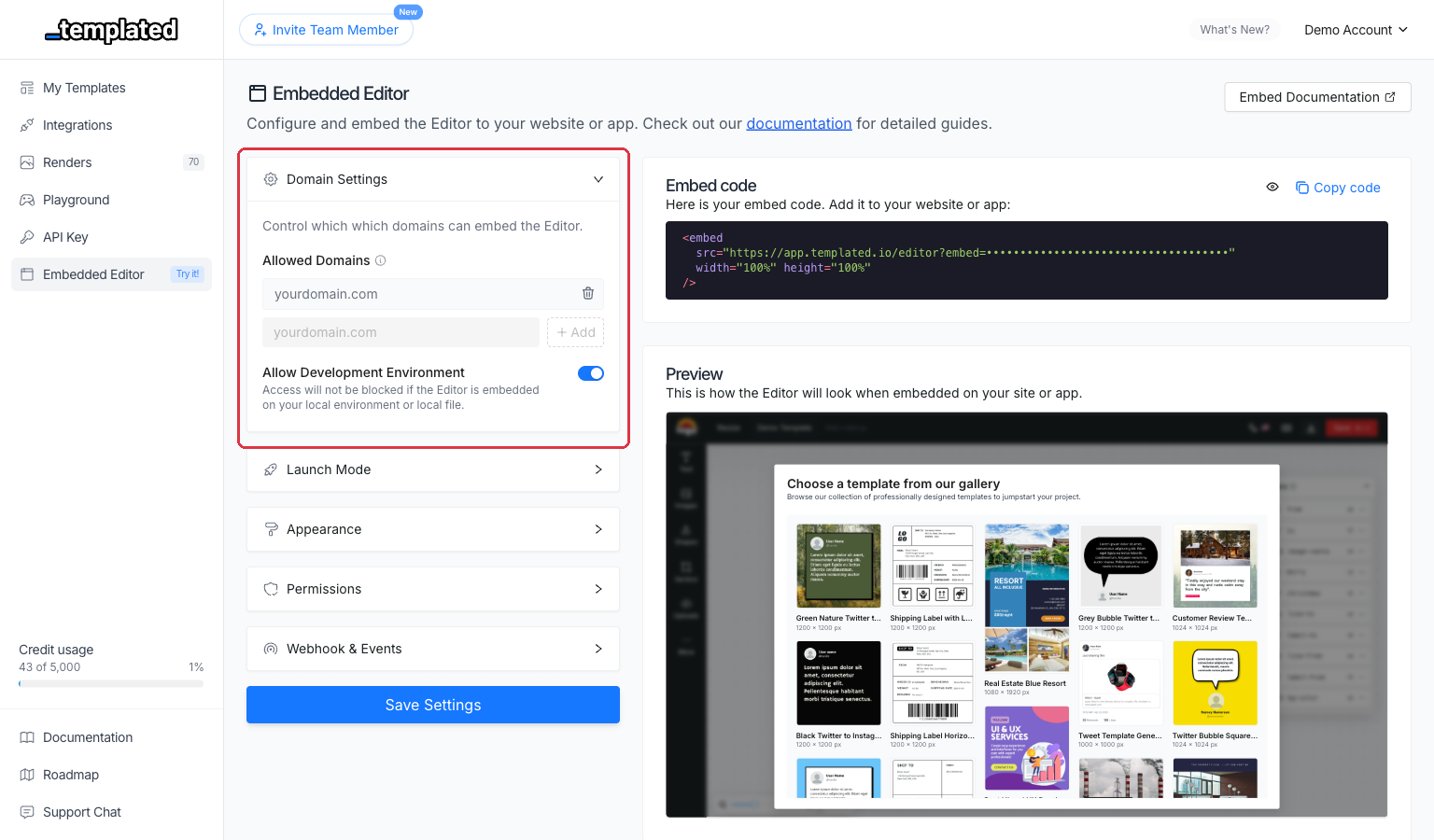
Domain \
The domain where your embed will be displayed. Must include protocol (https:// or http://).
Allow Development Environment `boolean`\
Enable this to test the embed on localhost or local development environments.
```html title="Example Domain Configuration"
https://yourdomain.com
```
:::tip[Development Mode]
Enable "Allow development environment" to test your embed on `localhost` during development. This setting doesn't affect your production domain.
:::
### Branding
Customize the look and feel of the editor with your branding.
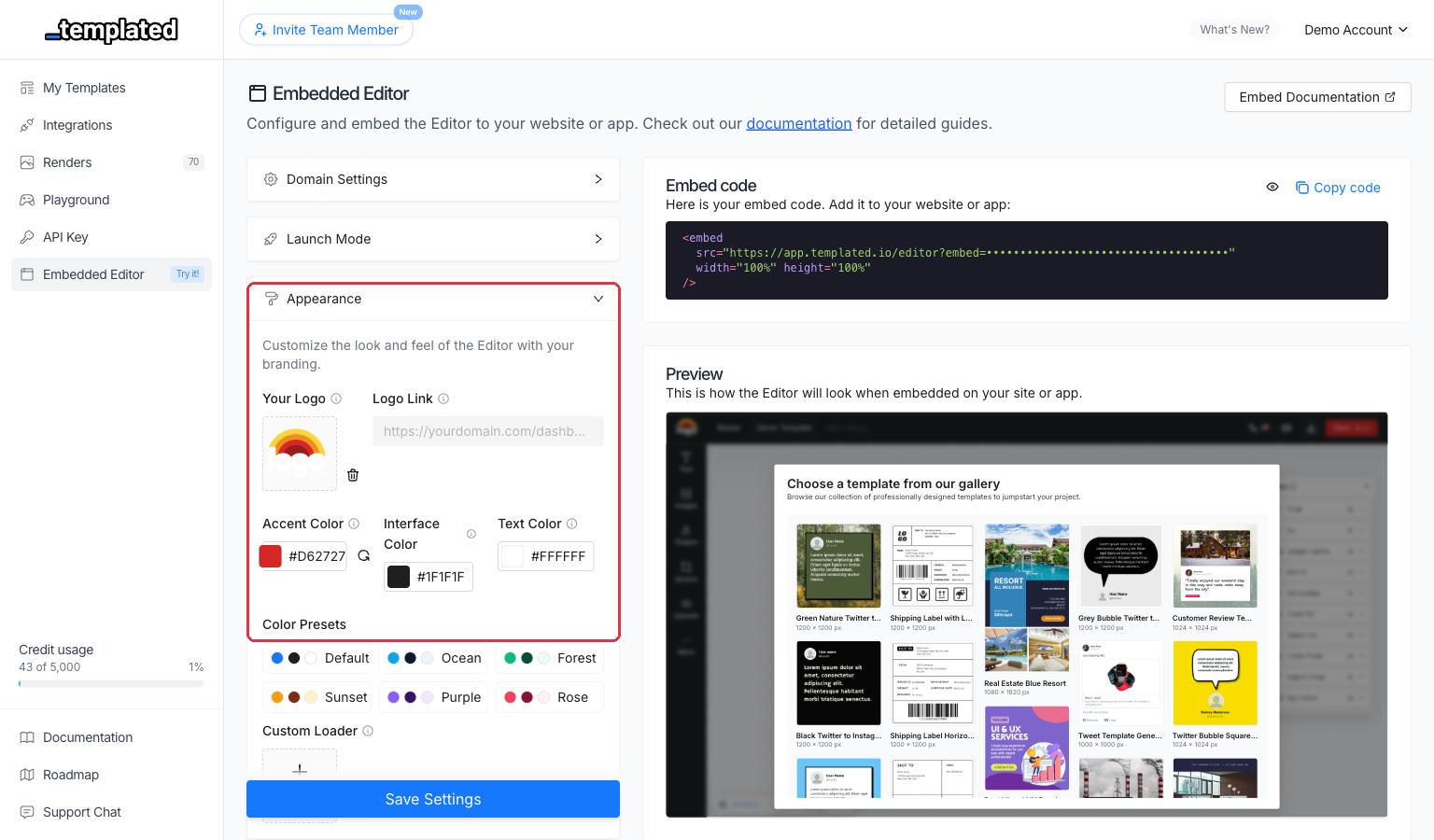
Logo URL\
Your company logo displayed in the top-left corner. Ideal size: 100x100px. Supports PNG, JPG, and GIF.
Logo Link\
Optional URL where users are redirected when clicking your logo. Must start with https:// or http://.
Accent Color\
Hex color code for buttons, links, and interface elements. Default: #1677ff.
Custom Loader\
Custom loading animation while the editor loads. Ideal size: 128x128px. Supports GIF animations. Default: Templated's default loader.
```html title="Example Branding Setup"
Logo URL: https://yourdomain.com/logo.png
Logo Link: https://yourdomain.com/dashboard
Accent Color: #FF6B35
```
## User Permissions
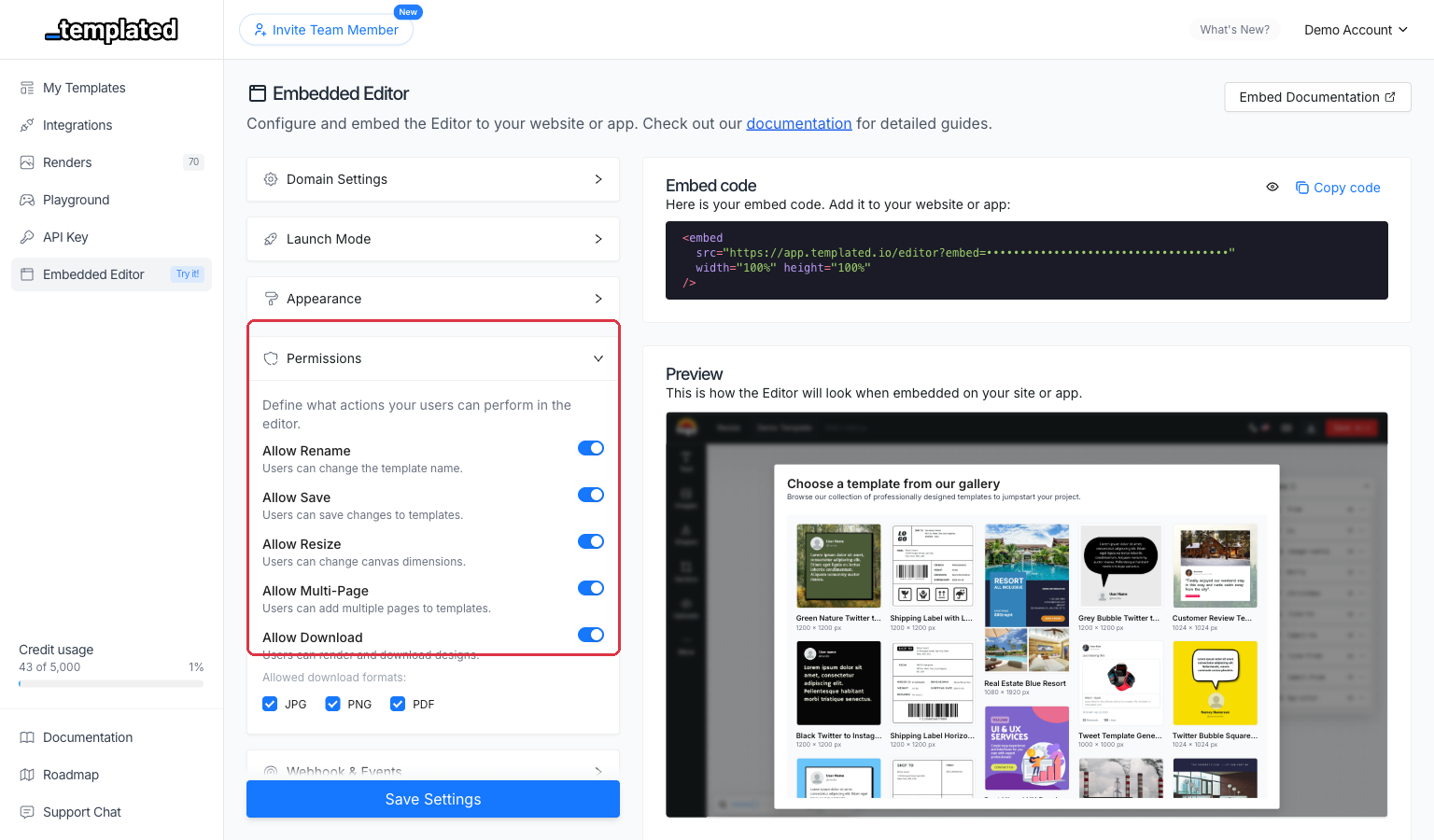
Control what actions users can perform in the embedded editor.
 ### Basic Actions
Allow Rename\
Let users change template names. Default: true.
Allow Save\
Enable the save button for users. Default: true.
Allow Resize\
Allow users to resize templates. Default: false.
### Download Options
Allow Download\
Enable download functionality. Default: true.
Download Formats\
Available formats when download is enabled. Options: JPG, PNG, PDF, MP4.
### Layer Permissions
Allow Layer Move\
Let users move layers around the canvas. Default: false.
Allow Layer Resize\
Enable resizing of individual layers. Default: false.
Allow Layer Select\
Allow selecting layers. Default: false.
Allow Layer Unlock\
Allow users to unlock locked layers. Default: false.
Allow Layer Rename\
Enable renaming of layers. Default: false.
Allow Text Edition\
Allow double-click text editing. Default: false.
### Template Management
Allow Create Template\
Enable creating new templates from the editor. Default: true.
## Launch Modes
[Launch Modes](/docs/embed/webhooks/)
## Testing Your Configuration
1. **Enable development mode** to test on localhost
2. **Copy your embed code** from the dashboard
3. **Test all permissions** you've configured
4. **Verify webhook delivery** if configured
5. **Check branding appearance** matches your design