Templated is now in Claude ❋
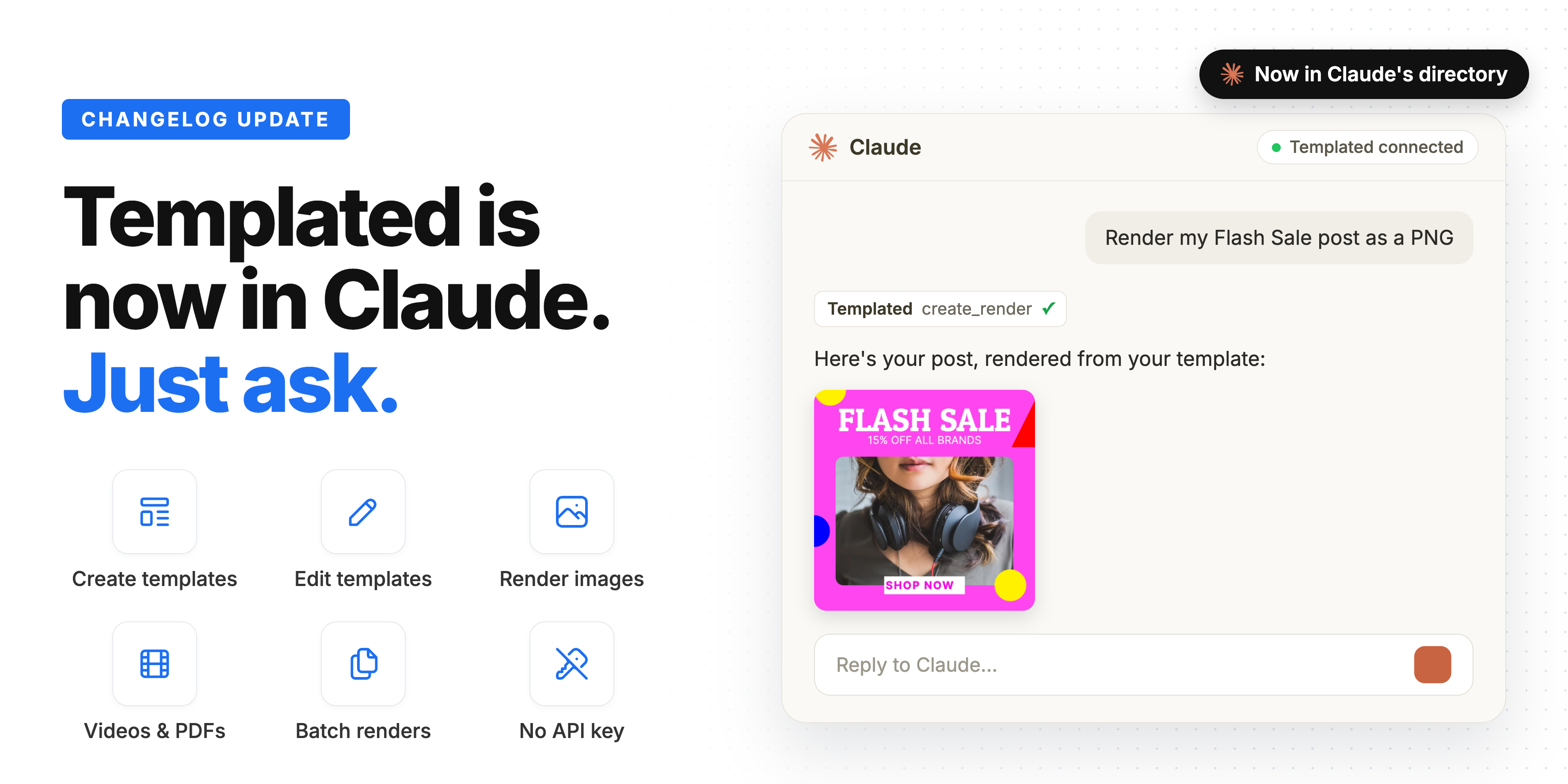
Hey everyone! Templated is now listed in Claude’s connectors directory.
Connect it once and Claude can create templates, edit them and render images, videos and PDFs for you, right from the chat. No API key, no code.
Let’s dive in ⬇️
Connect in a few clicks
- Open Templated in the Claude directory
- Click Connect
- Sign in with your Templated account
That’s it. Start a new chat and ask away.
You can also find it inside Claude: go to Customize → Connectors and search for Templated. Or use the new Connect to Claude link in your dashboard sidebar.
There’s no API key to copy or keep safe, since you sign in with your Templated account. It works on Claude on the web, Claude Desktop, the mobile apps and Cowork.
What you can do from Claude
Claude sees your templates, their layers and your renders, so you can talk about them by name. Here are a few things to try.
Create templates
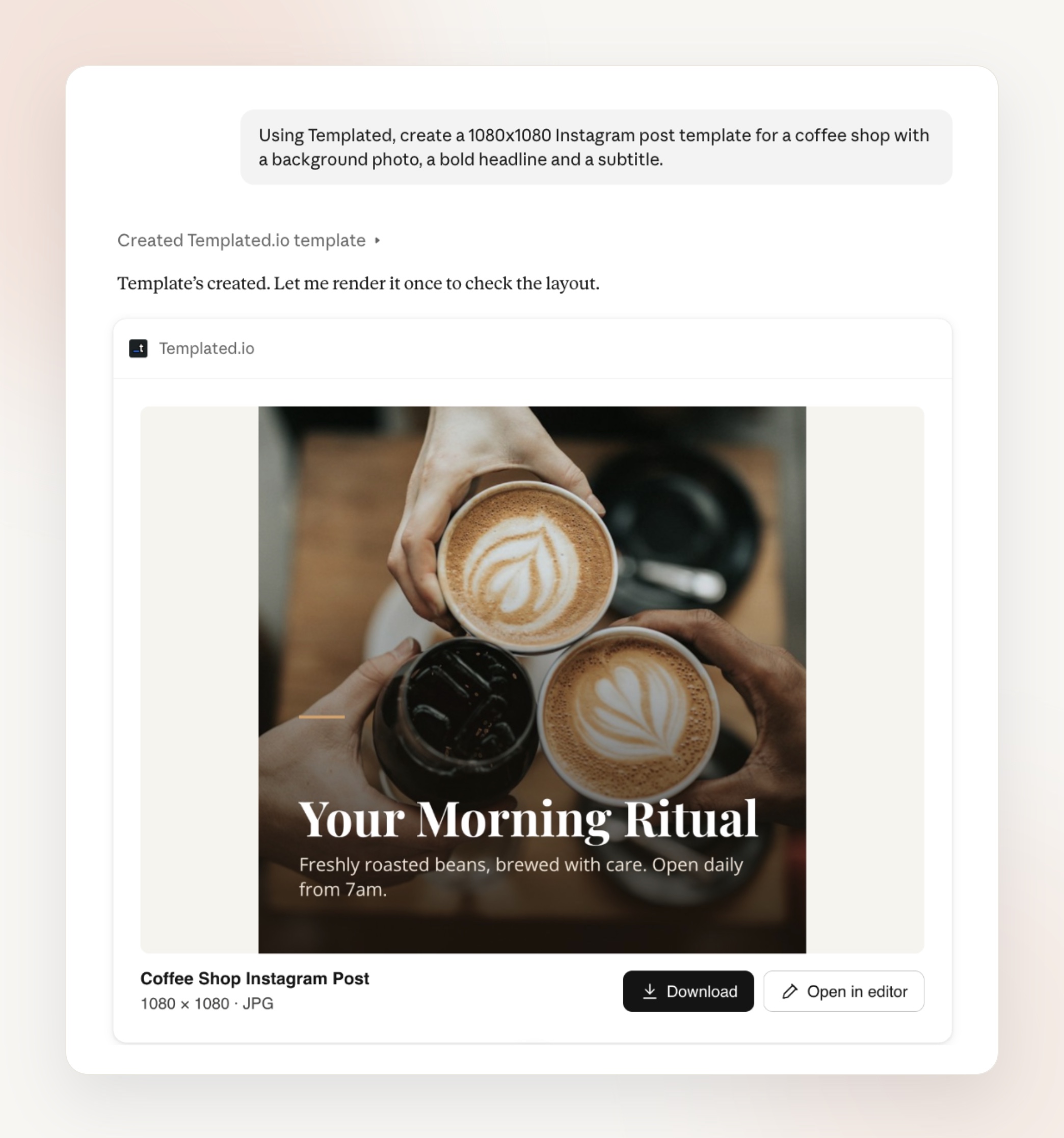
Describe the design and Claude builds it in your account, with text, image and shape layers ready to automate.
Create a 1080x1080 Instagram post template with a background photo, a bold headline and a subtitle
Make a landscape certificate template with a name, a date and a signature line
Render images, PDFs and videos
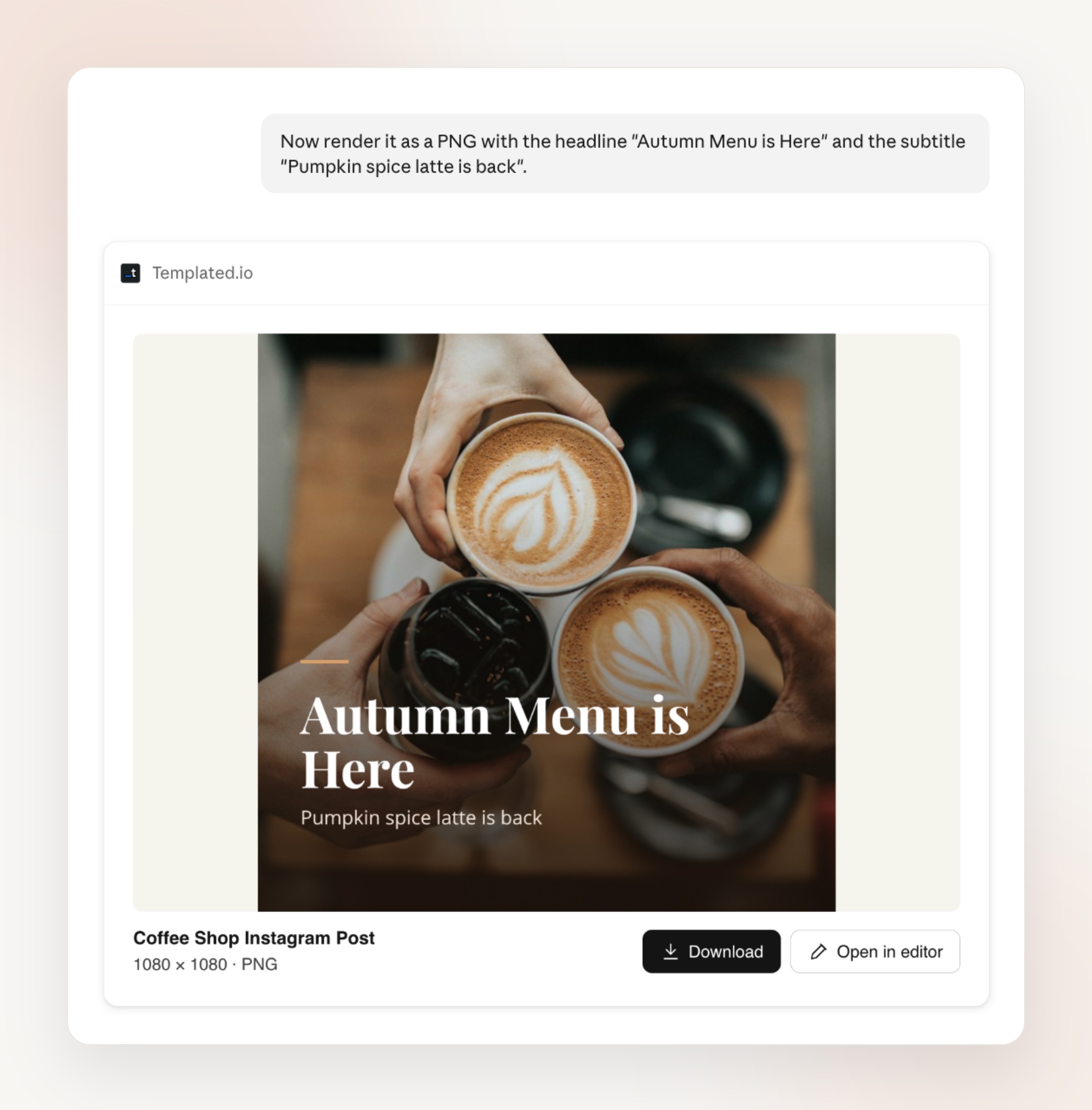
Pick any template and tell Claude what to change. You get the image, PDF or MP4 right in the chat.
Render my Flash Sale post with the title ‘Black Friday: 40% off’ as a PNG
Turn my story template into a 6-second MP4 with the headline sliding in
Edit your templates
Change texts, colors, fonts, sizes and positions just by asking.
Make the title bigger on my Black Friday template and move it to the center
Clone my Instagram post template and resize the copy to 1080x1920 for Stories
Batches and multi-page PDFs
Give Claude a list and it renders one version for each item. Need them together? It merges the renders into a single PDF.
Render my certificate template once for each of these names: Ana Souza, Ben Carter, Chloe Martin
Merge these renders into one PDF
Your assets and folders
Upload images and fonts from a URL, keep your templates organized in folders, and check how many credits you have left.
Upload my logo from this URL and add it to the top-left corner of my latest template
How many credits do I have left?
Renders made through Claude use your account’s credits, just like the API.
Already using the API?
Nothing changes in your integrations. The connector works with the same templates and the same API behind the scenes.
It’s a quick way to test a template, check a render or create a batch without writing any code.
ChatGPT, Cursor, Claude Code and any other MCP client work too. See Integrations → Agents & MCP in your dashboard.
Until the next one,
Pedro @ Templated
Ready to automate your images and PDFs?
Sign up for free and try the newest features yourself.