Import from PDF – Convert Any PDF to an Editable Template
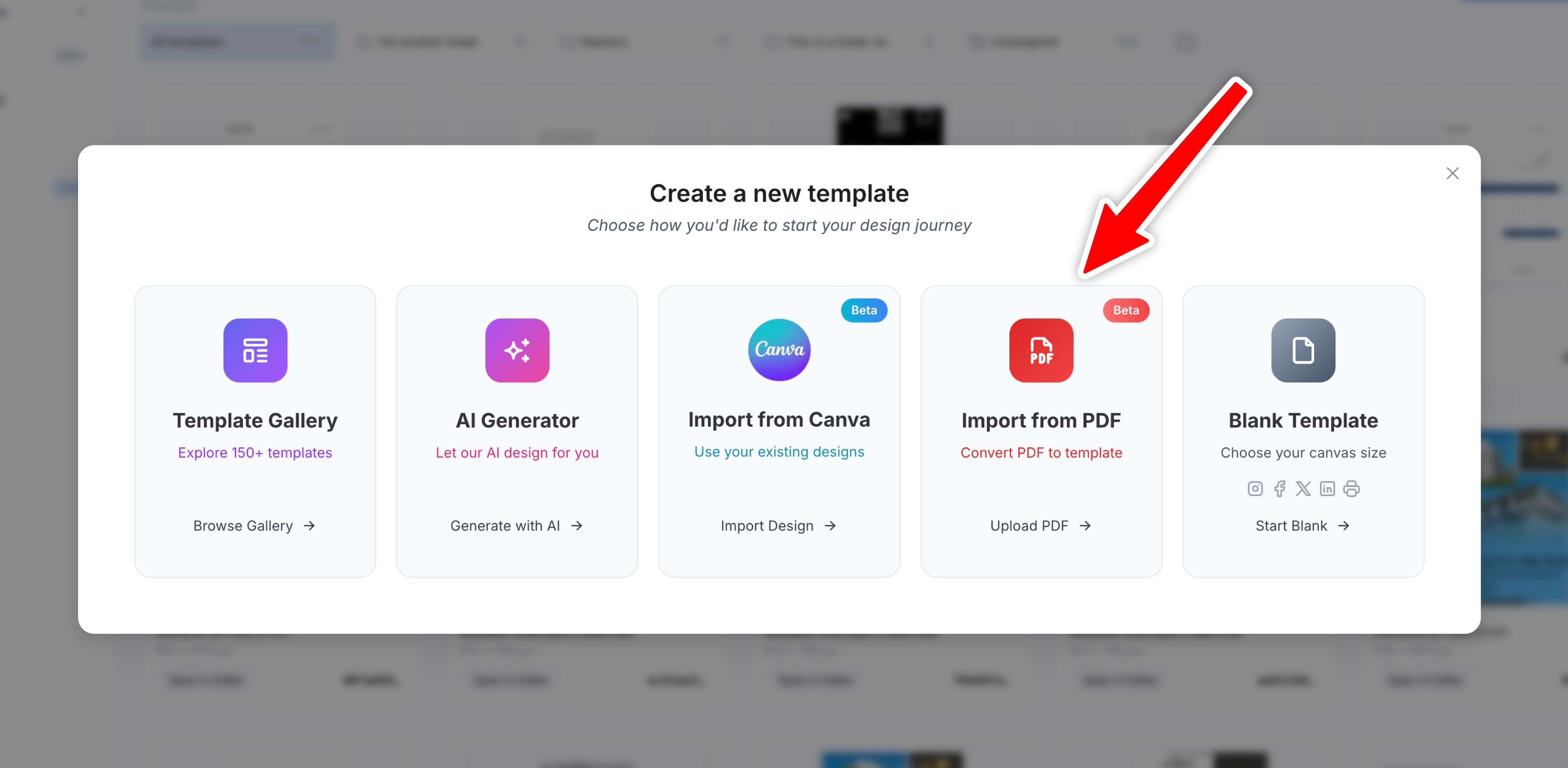
We’re excited to introduce Import from PDF — a new way to bring your existing PDF documents into Templated and turn them into fully editable, API-ready templates.
• How It Works
Upload any PDF file and we’ll automatically extract:
- Text elements — with font detection, sizing, and positioning
- Images — uploaded to your media library
- Vector shapes — converted to editable SVG layers
- Layout structure — preserving the original document design
The result is a complete template you can edit, customize, and automate via the API — just like any other template in Templated.
• When to Use It
- Contracts & Legal Documents — Turn your existing contracts into templates with dynamic placeholders
- Certificates & Diplomas — Import certificate designs and add personalization fields
- Reports & Invoices — Convert PDF reports into automated document generators
- Marketing Materials — Bring in brochures or flyers and make them dynamic
• Getting Started
- Click “Create Template” from your dashboard
- Select “Import from PDF”
- Drag and drop your PDF file (or click to browse)
- Wait a few seconds while we process the document
- Review and edit your new template in the editor
Note: This feature works best with clean, well-structured PDFs. Complex designs with many overlapping elements may need some adjustments after import, but it gives you a great starting point.
Try it out and let us know what you think! 🚀
Best,
Pedro :)
Ready to automate your images and PDFs?
Sign up for free and try the newest features yourself.