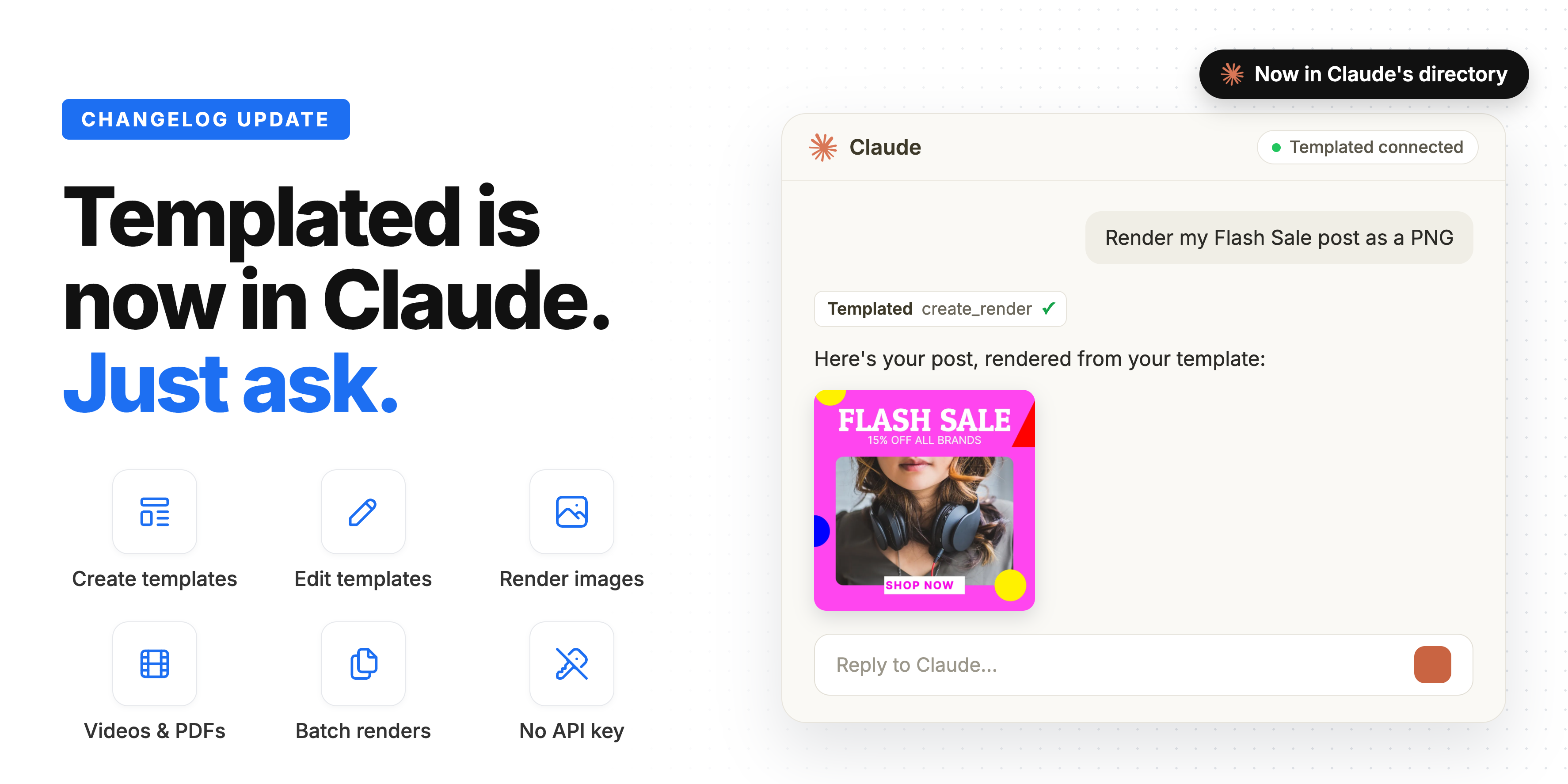
Templated is now in Claude ❋
Templated is now in Claude's connectors directory. Connect it in a few clicks and ask Claude to create, edit and render your templates, right from the chat.
Read the updateMenu
New features, improvements and fixes in Templated.
Templated is now in Claude's connectors directory. Connect it in a few clicks and ask Claude to create, edit and render your templates, right from the chat.
Read the update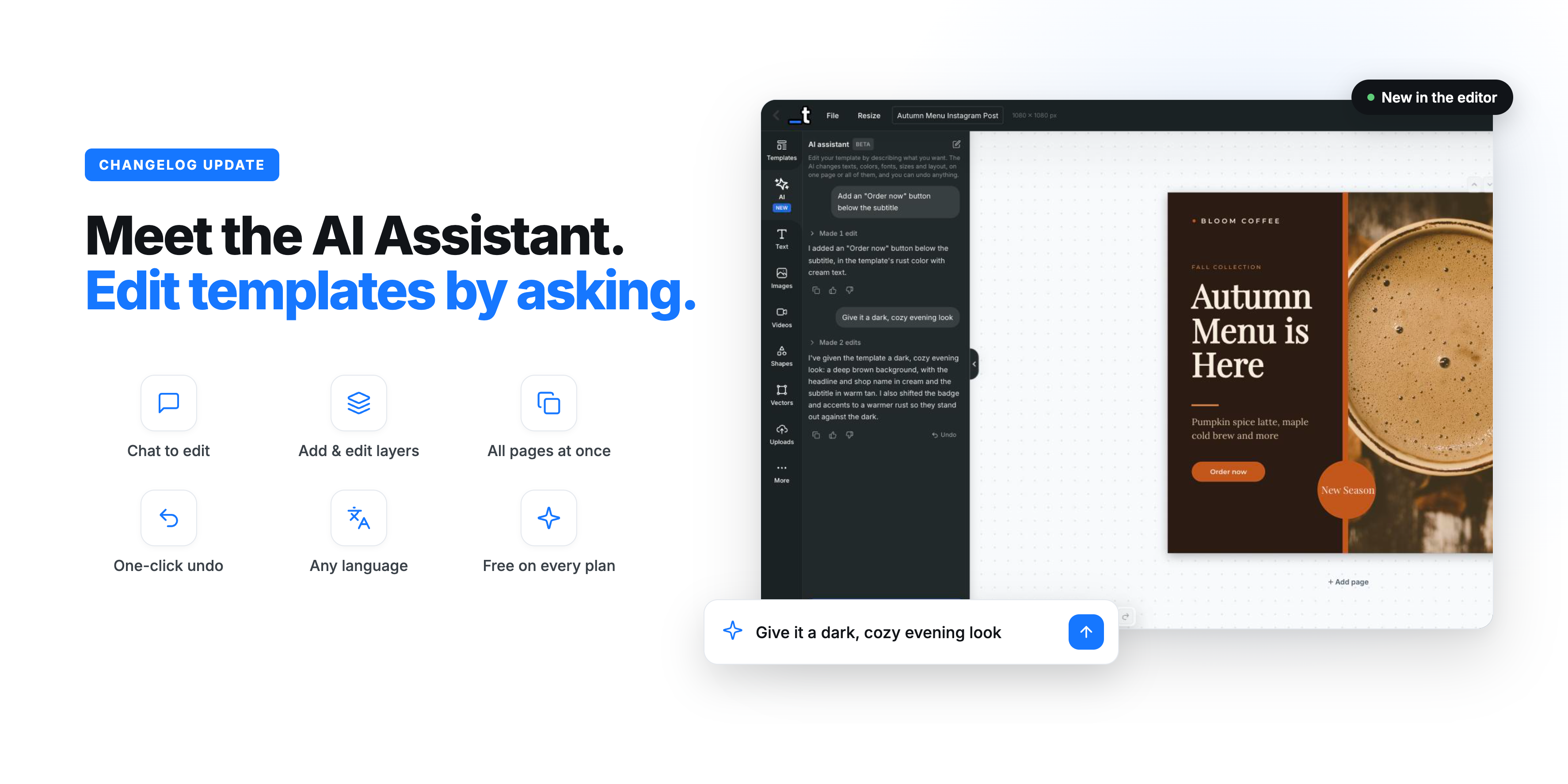
Meet the AI Assistant: a chat right inside the editor where you describe what you want and watch your template change in real time.
Read the update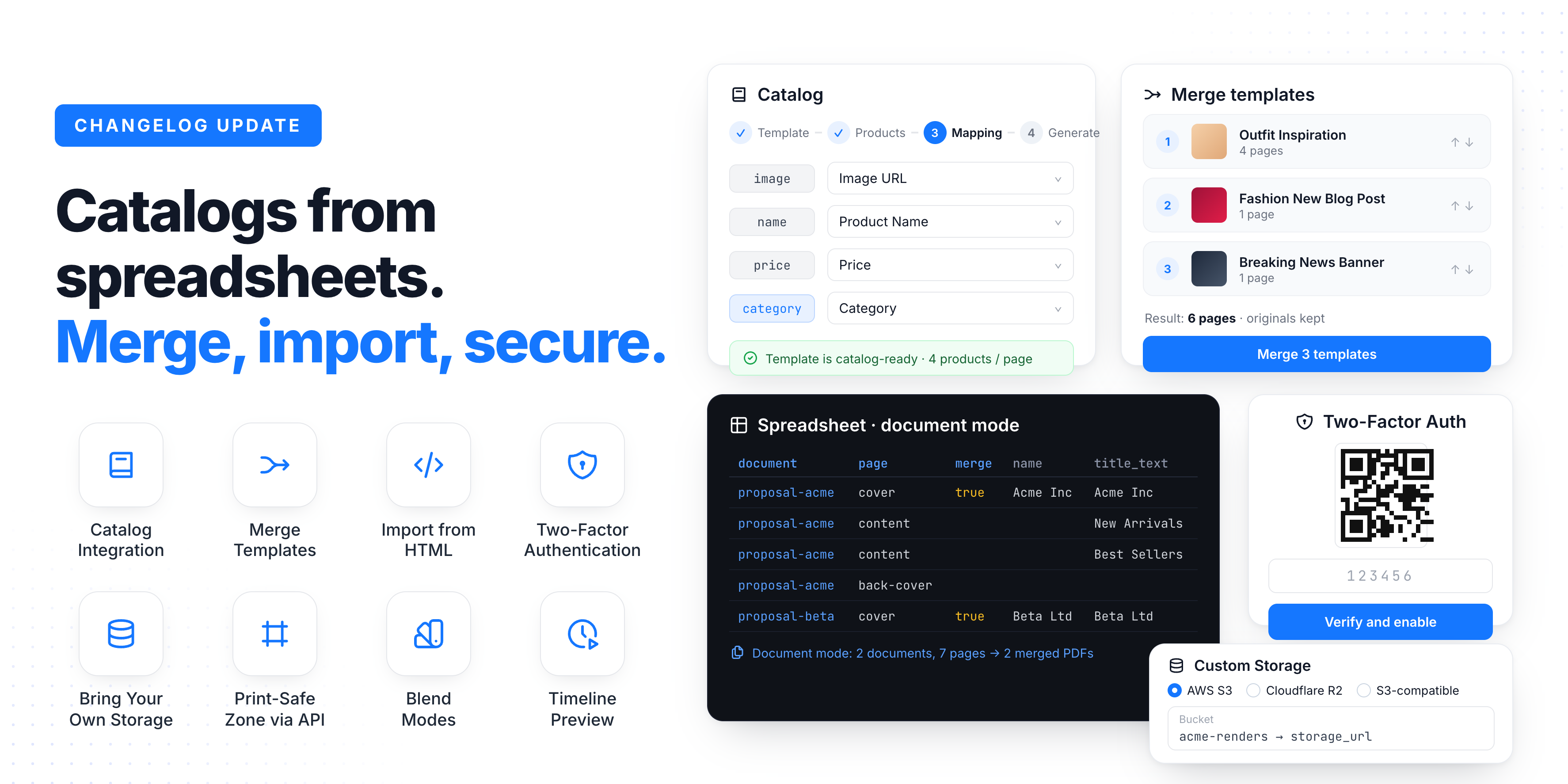
Catalog generation from spreadsheets, Bring Your Own Storage, two-factor authentication, template merge, HTML import and export, and a lot more.
Read the update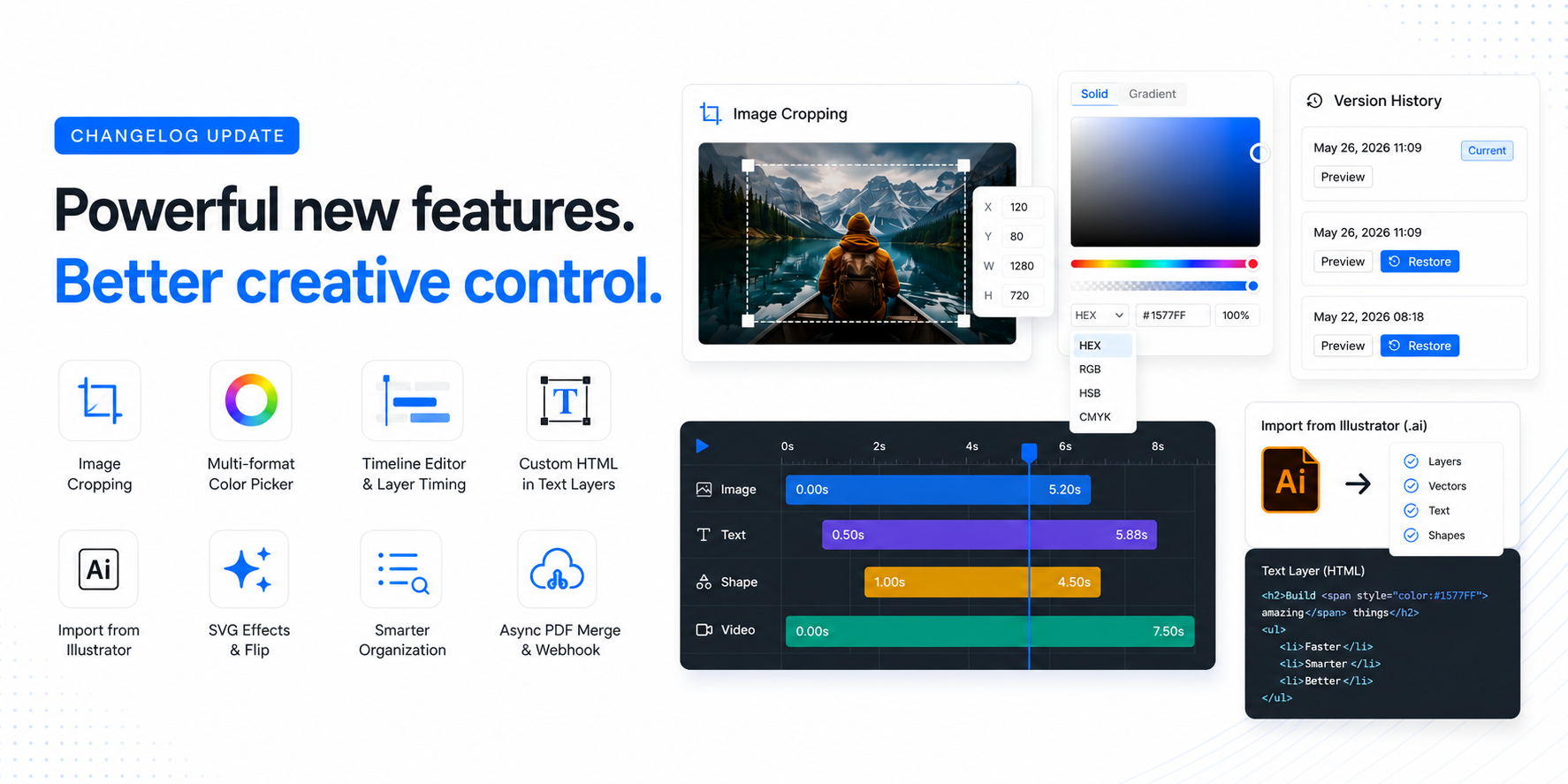
It's been a while since the last update, but we've been busy shipping. Here's everything new in the last couple of months, from the long-awaited Version History to new import options, image cropping, and API additions.
Read the update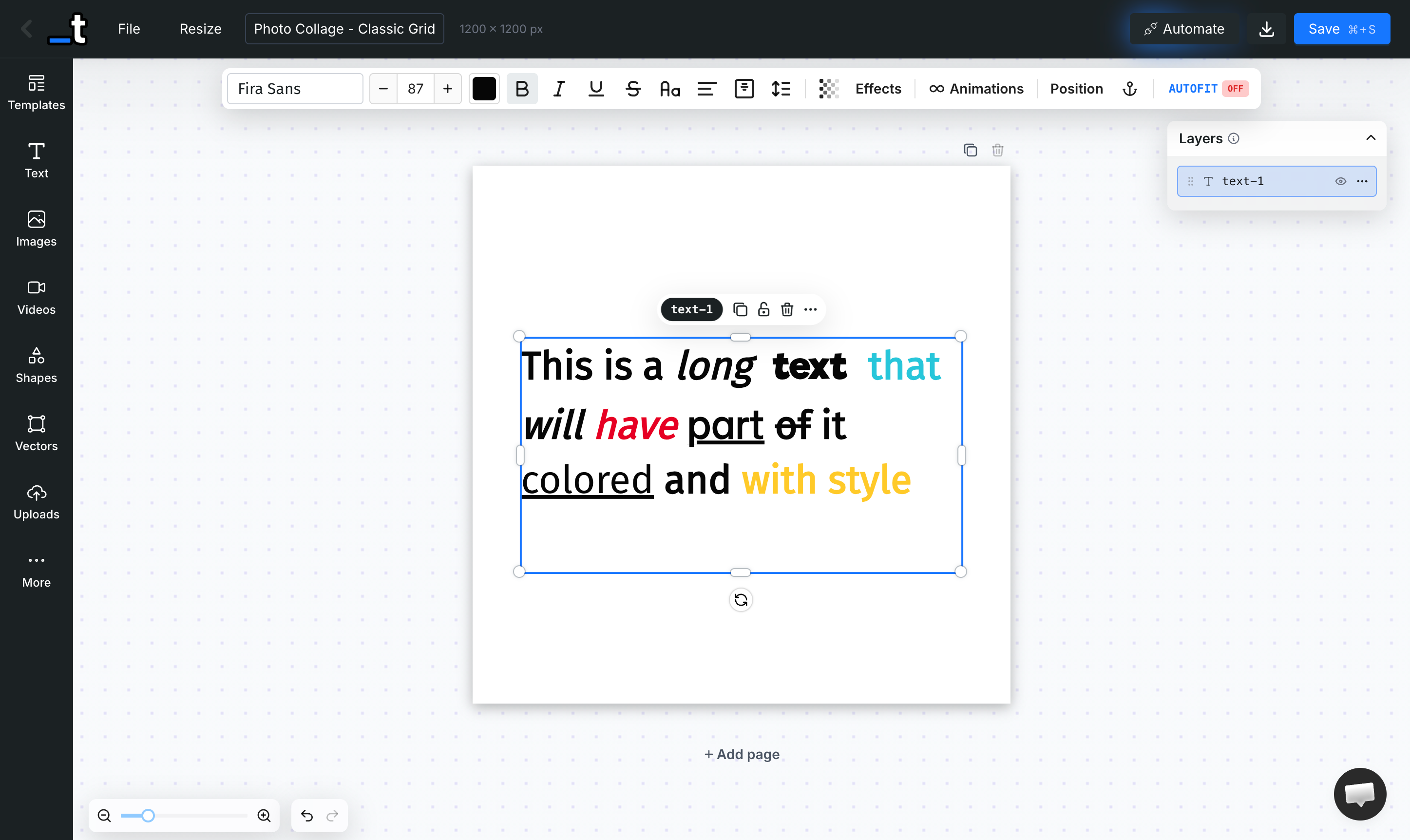
One of our biggest updates yet: a fully responsive Mobile Editor, RTL support, pages with different sizes, a brand-new Anchor System and much more.
Read the update
We're excited to announce our new MCP (Model Context Protocol) integration that lets you create, edit, and manage templates directly from AI assistants like Claude, Cursor, and ChatGPT - all using natural language.
Read the update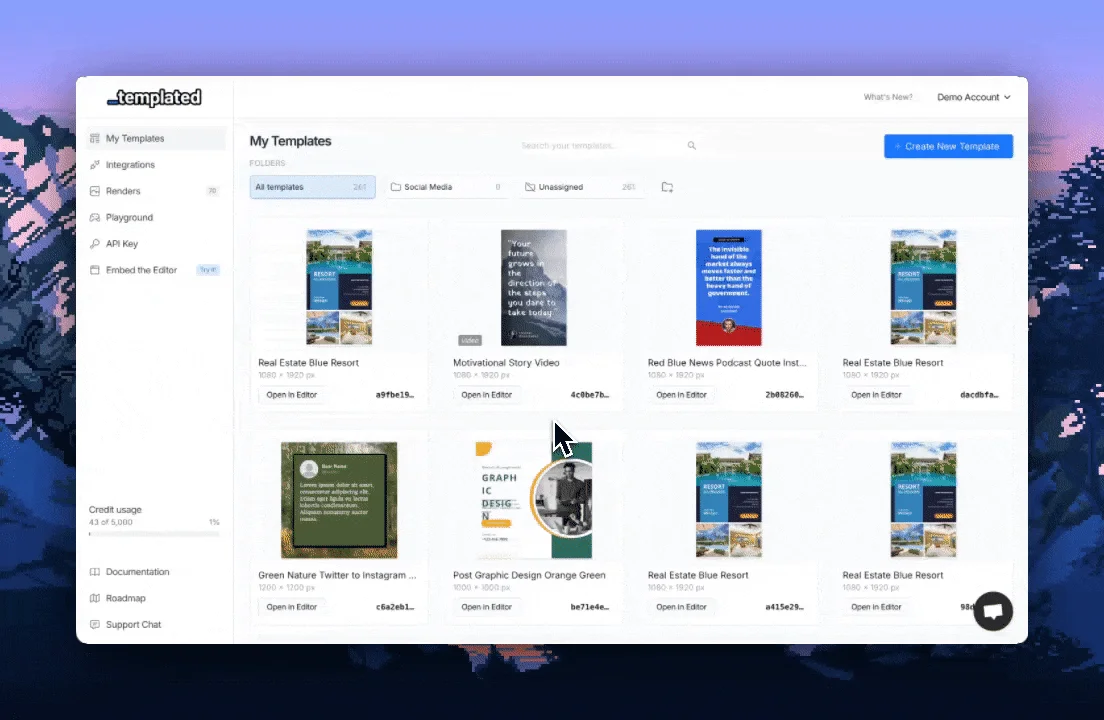
We're thrilled to announce one of the most requested features: Teams is now live in Templated! 🎉
Read the update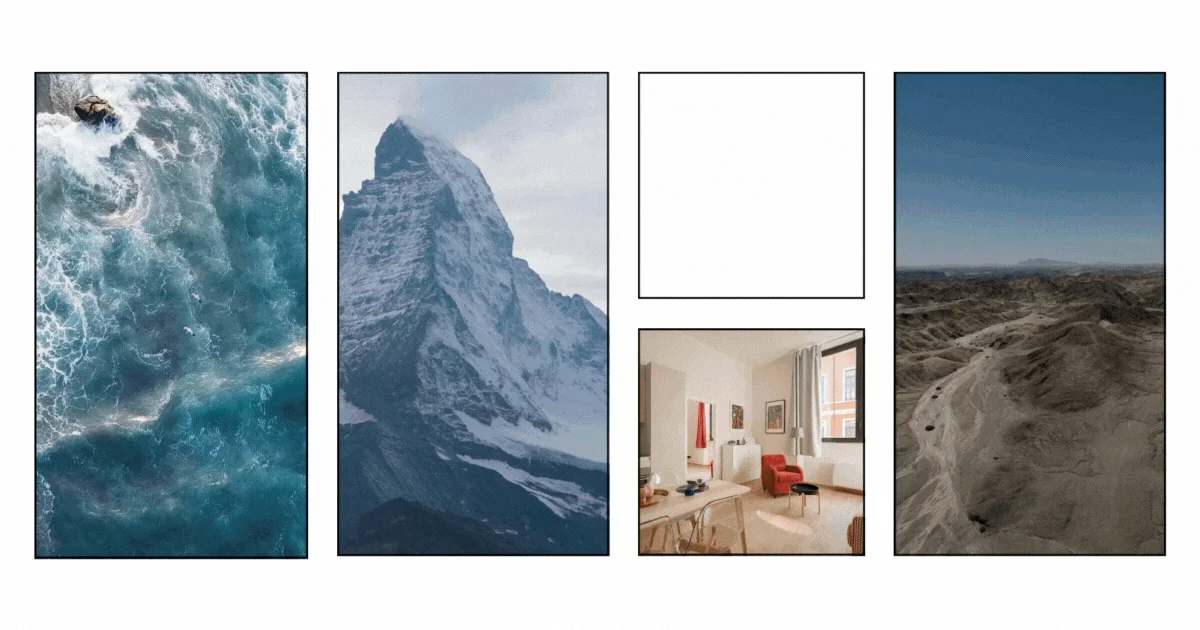
We're incredibly excited to announce one of the most requested features in Templated's history: Video Rendering is now live!
Read the update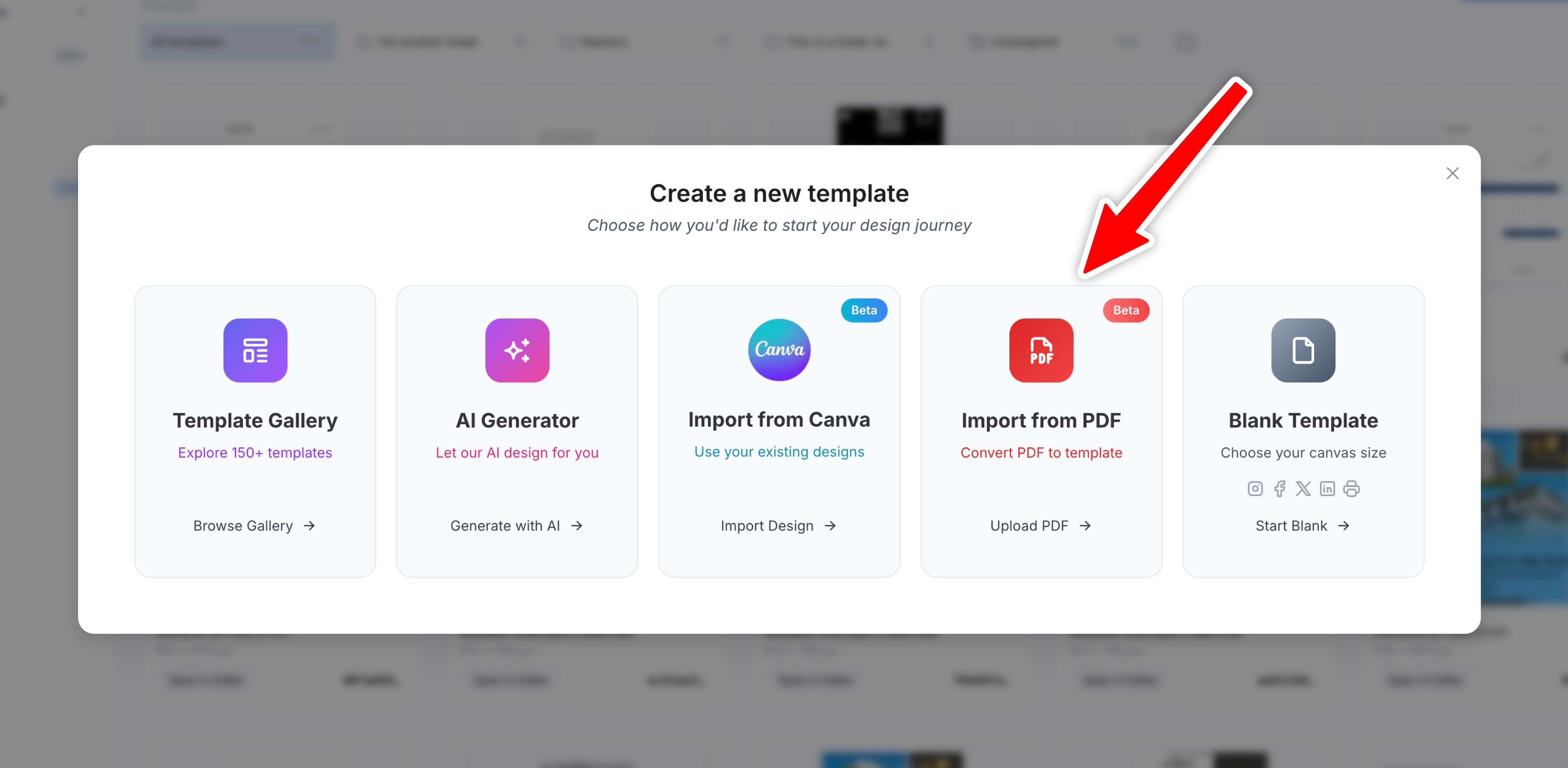
We're excited to introduce Import from PDF, a new way to bring your existing PDF documents into Templated and turn them into fully editable, API-ready templates.
Read the update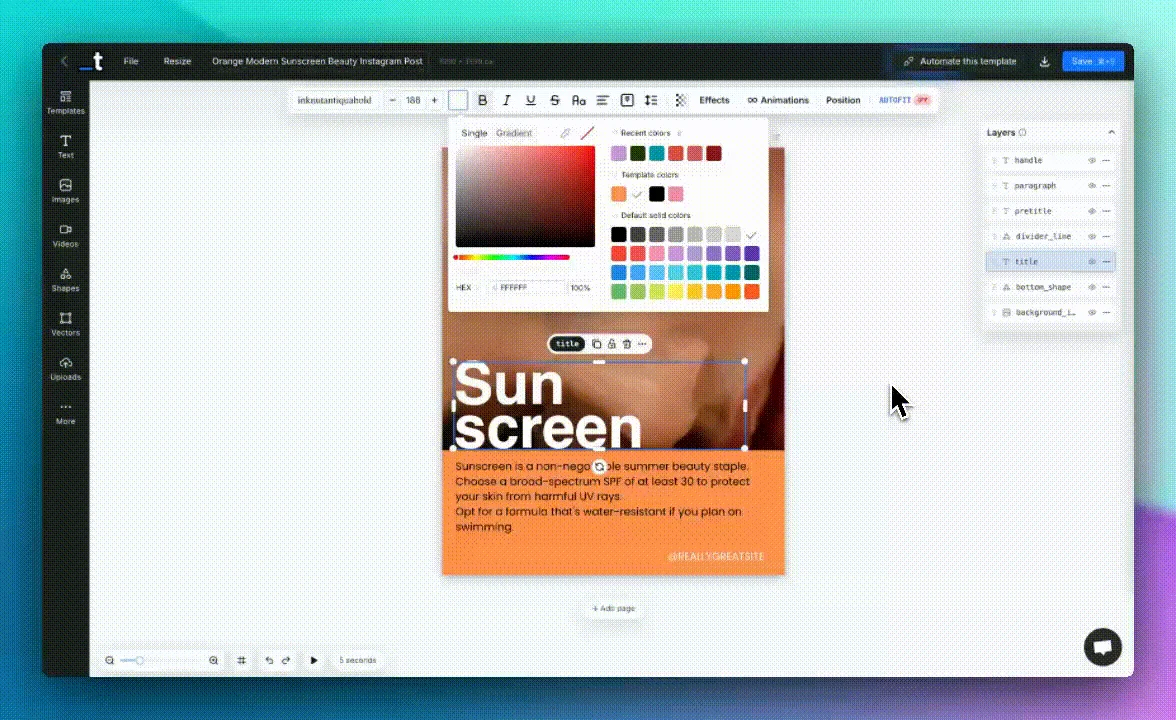
Here's a roundup of everything new we've shipped in November. We focused on improving the editor experience, adding more PDF options, and making it easier to manage your templates at scale.
Read the update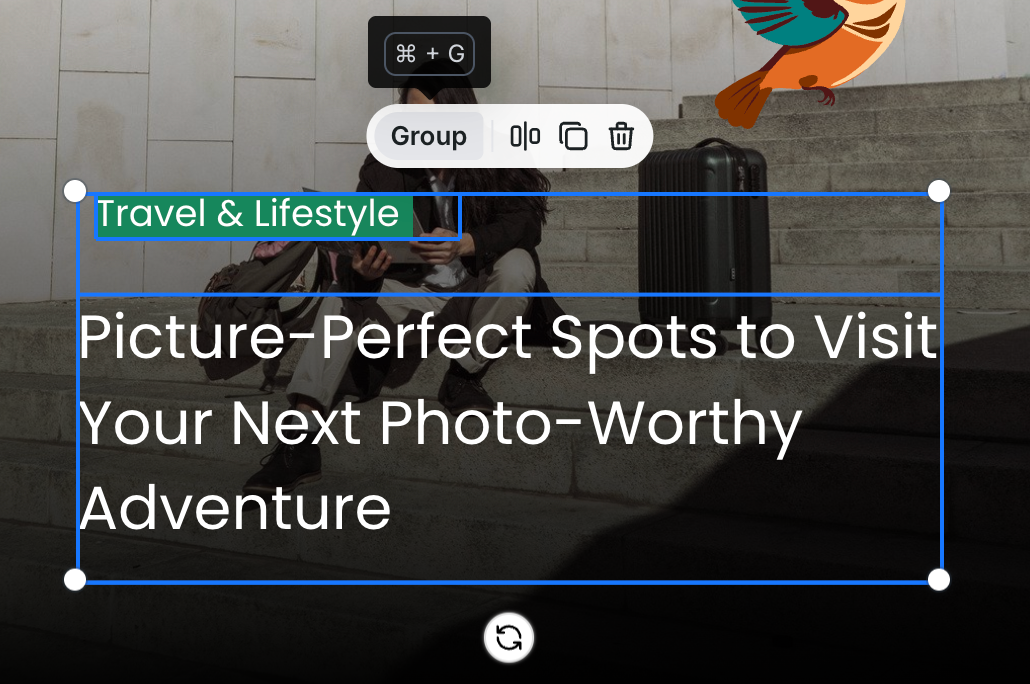
You can now group multiple layers together for better formatting and designing your templates. Just select multiple elements (with Shift + Click) and click on the Group button or use the Ctrl/Cmd + G keyboard shortcut.
Read the update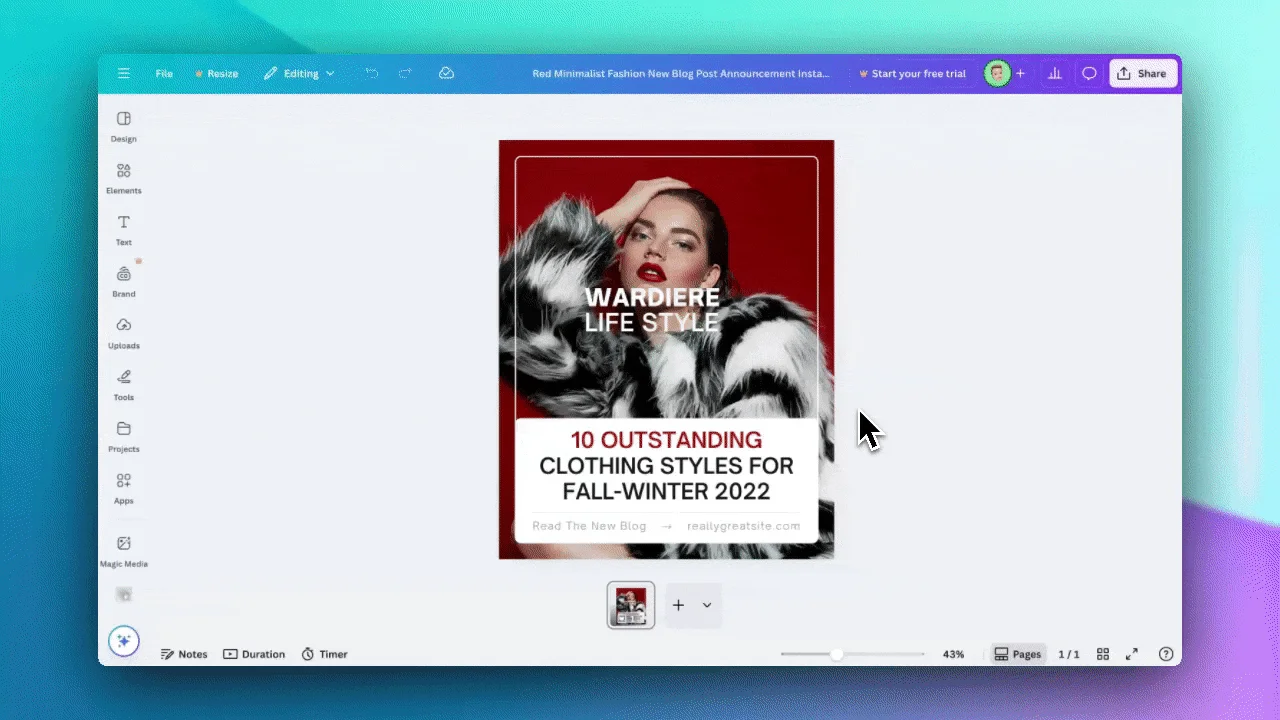
We're excited to announce a long awaited feature that makes it easier than ever to turn your Canva designs into dynamic, data-driven templates!
Read the update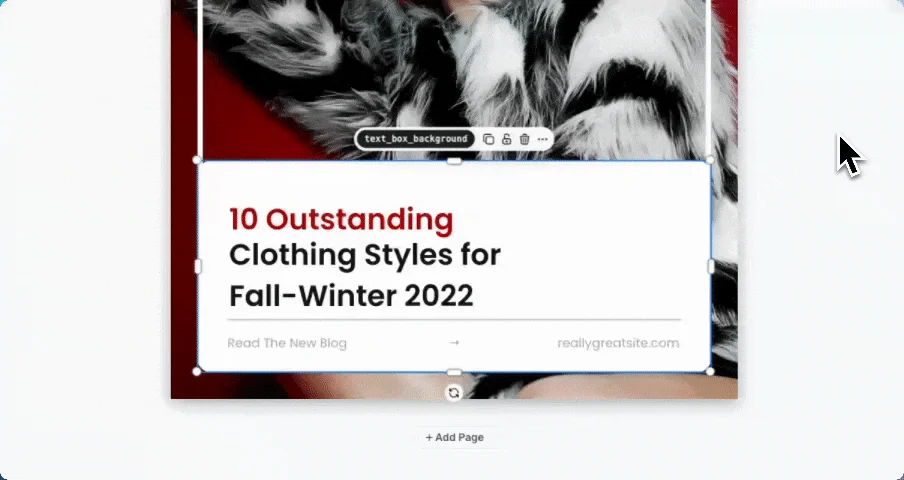
Copy and paste layers between templates, multi-select resizing, SVG color control via API, bulk actions on templates and renders, and more.
Read the update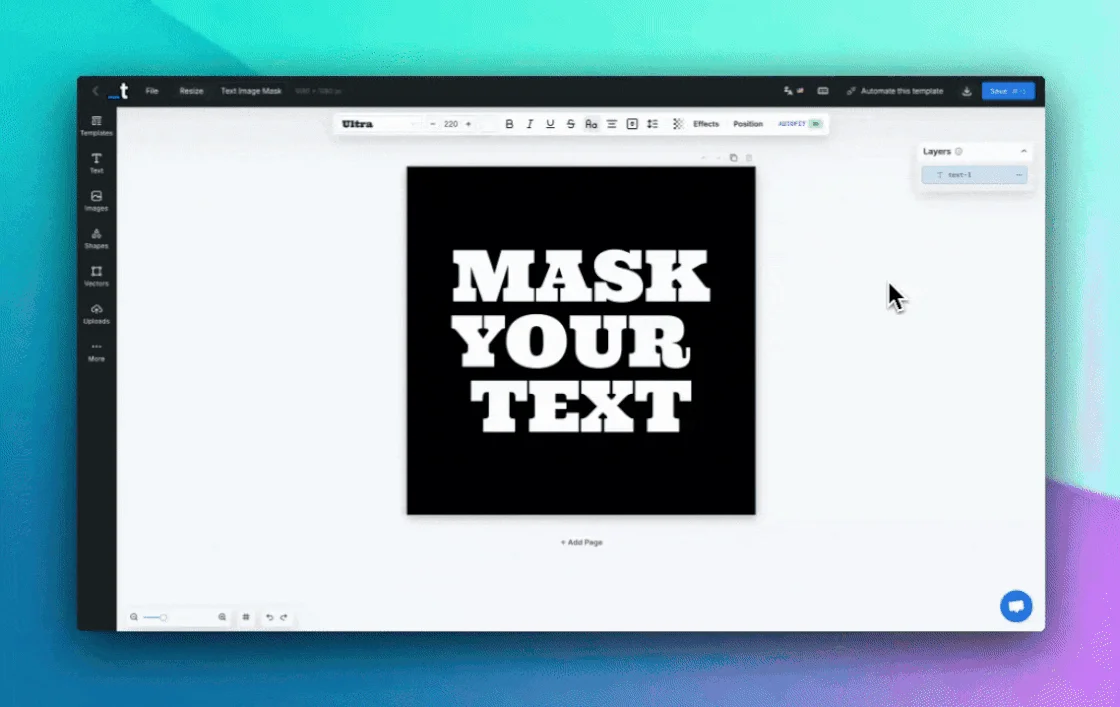
We've added an exciting new Image Mask feature to our text effects arsenal for all our creative users!
Read the update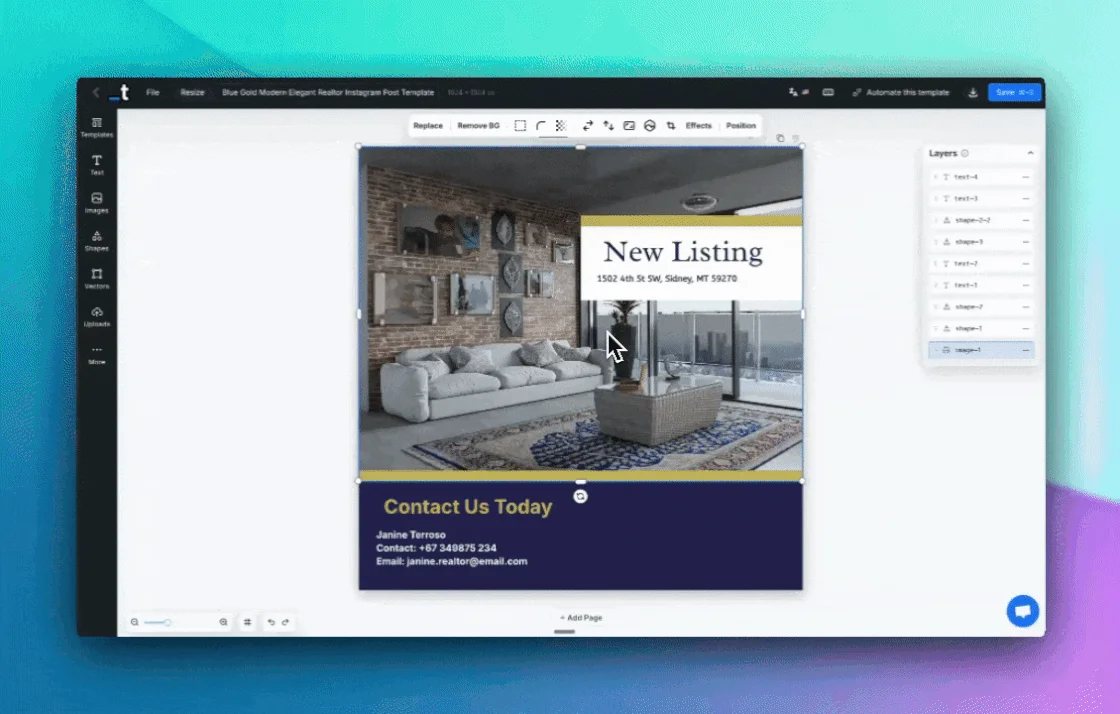
We have added a comprehensive right-click context menu to our Editor interface for all our power users!
Read the update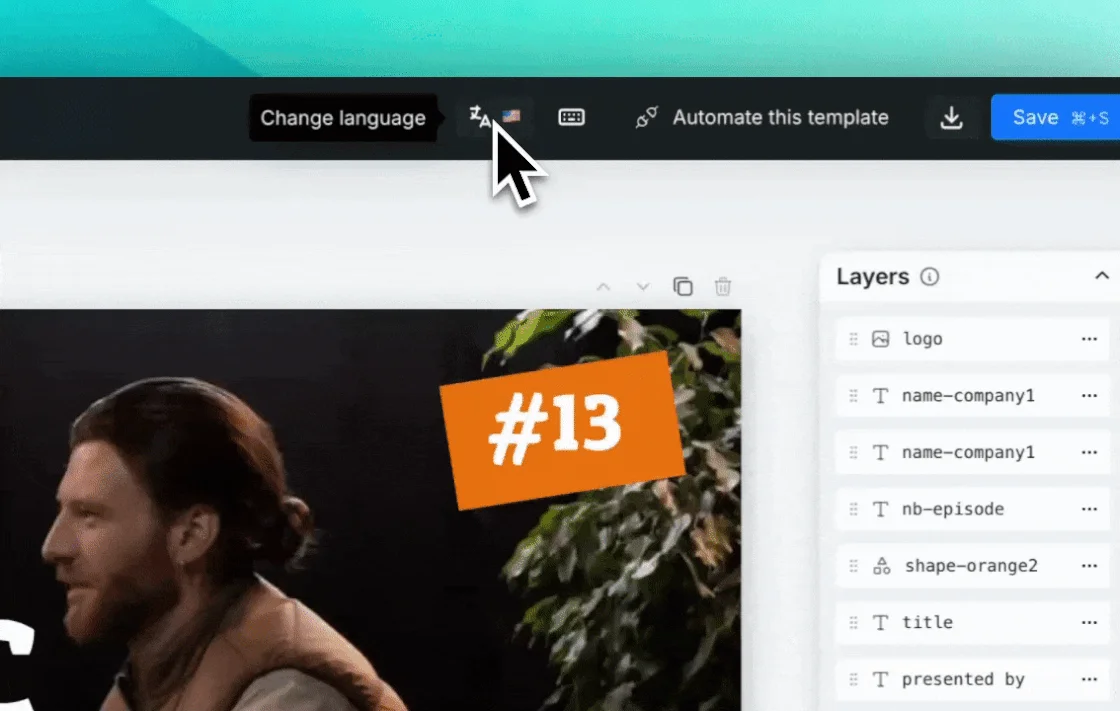
We have added the option to change the language of our Editor interface for all our international users!
Read the update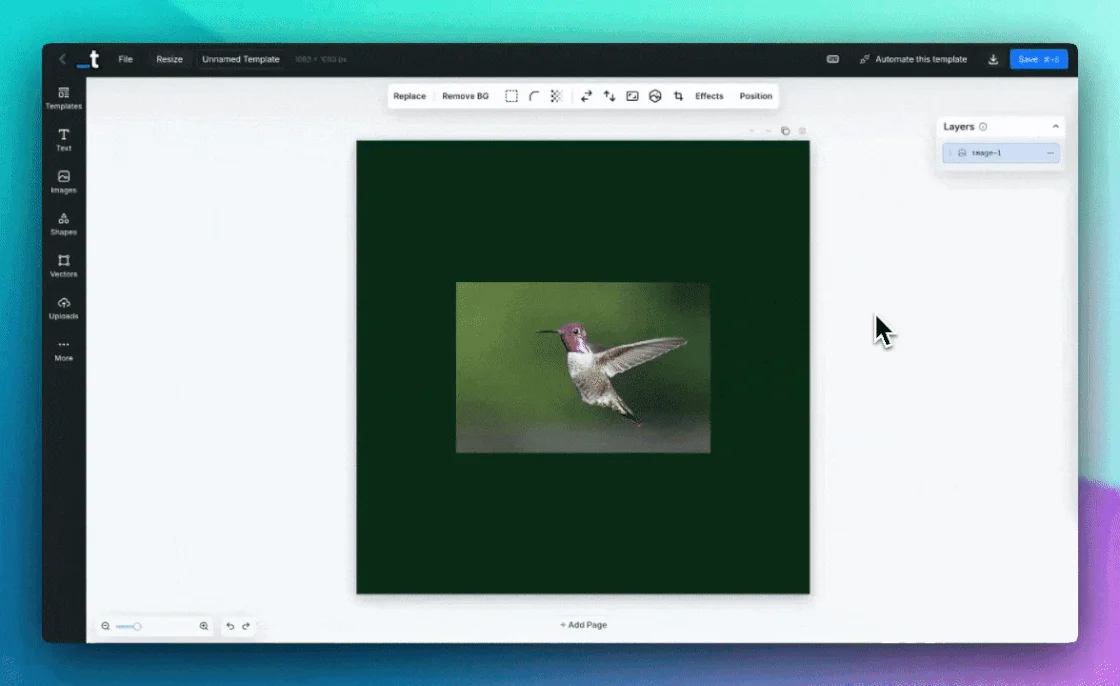
We're excited to introduce AI-powered background removal - automatically remove backgrounds from your images with just one click ✨
Read the update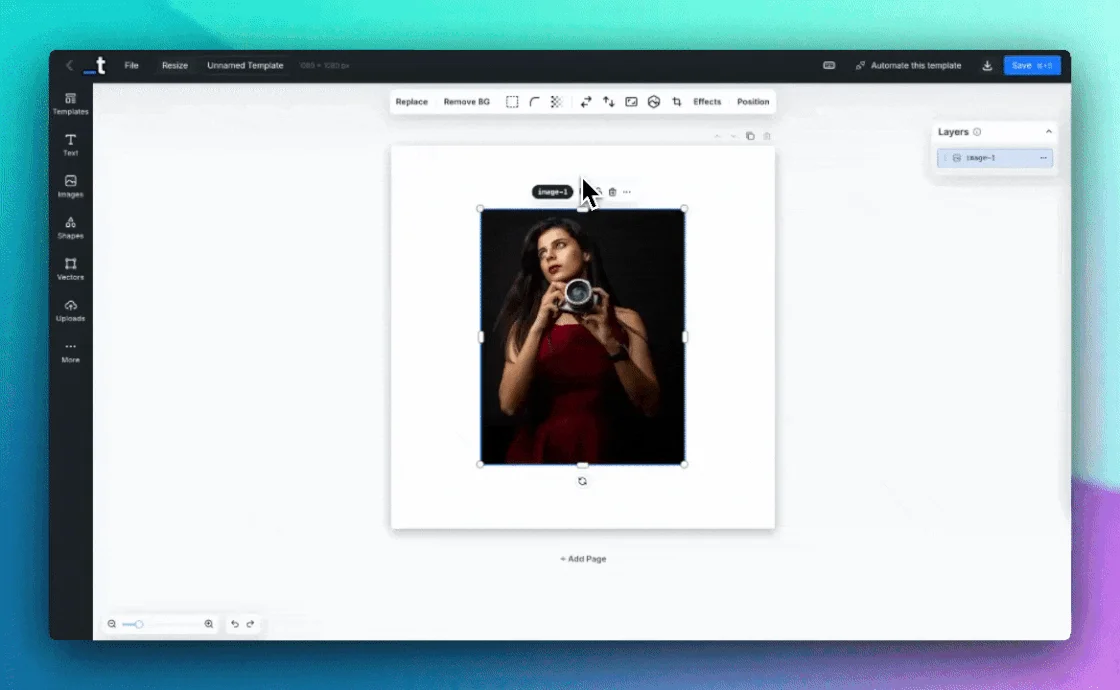
We've added an Image Crop feature that allows you to crop and adjust your images directly within the editor for precise framing and composition.
Read the update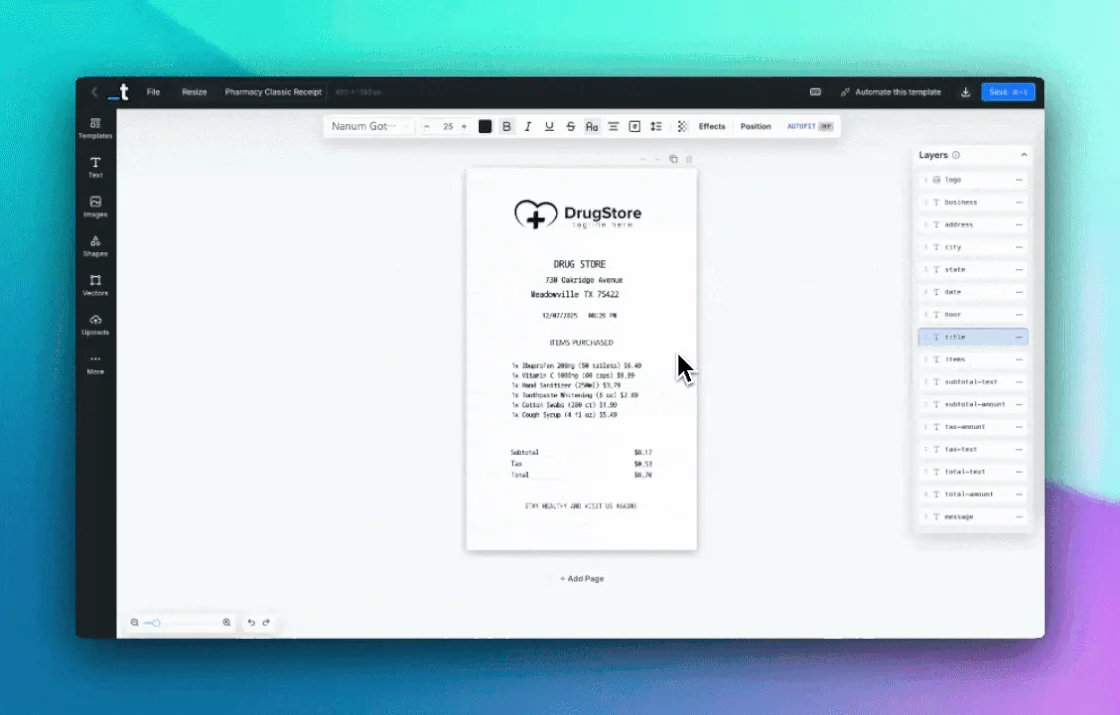
We've added a Text Highlight feature that allows you to add customizable highlighting to your text elements for better emphasis and visual impact.
Read the update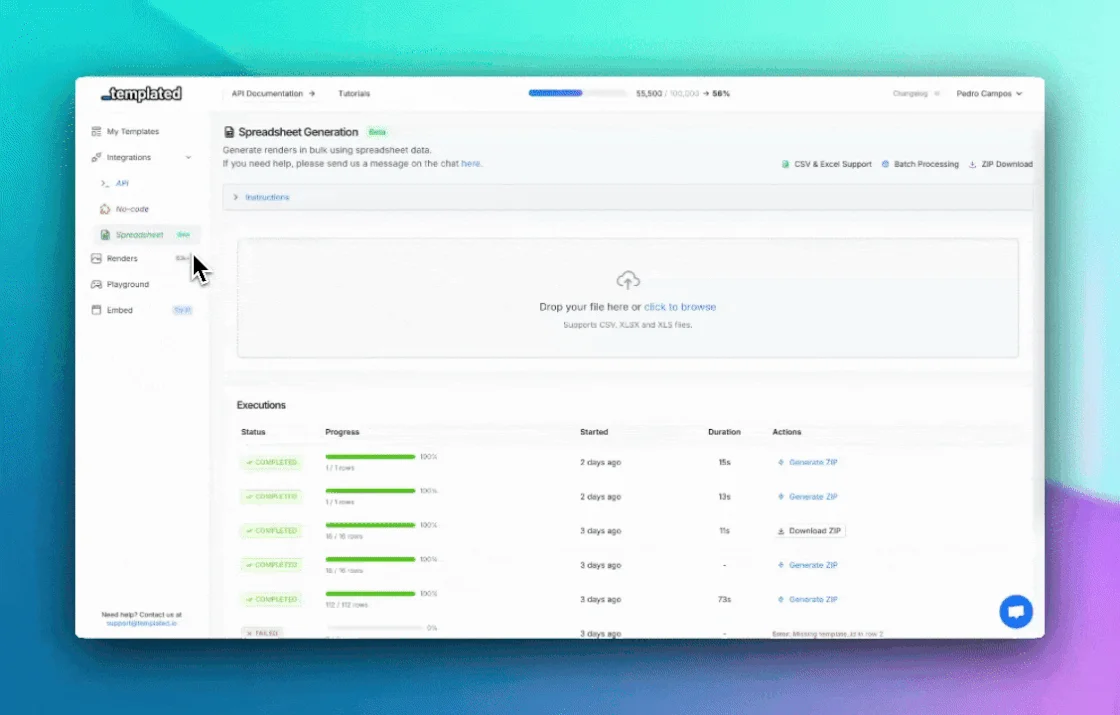
We're excited to introduce Spreadsheet Generation - you can now generate thousands of renders in bulk using CSV and Excel files!
Read the update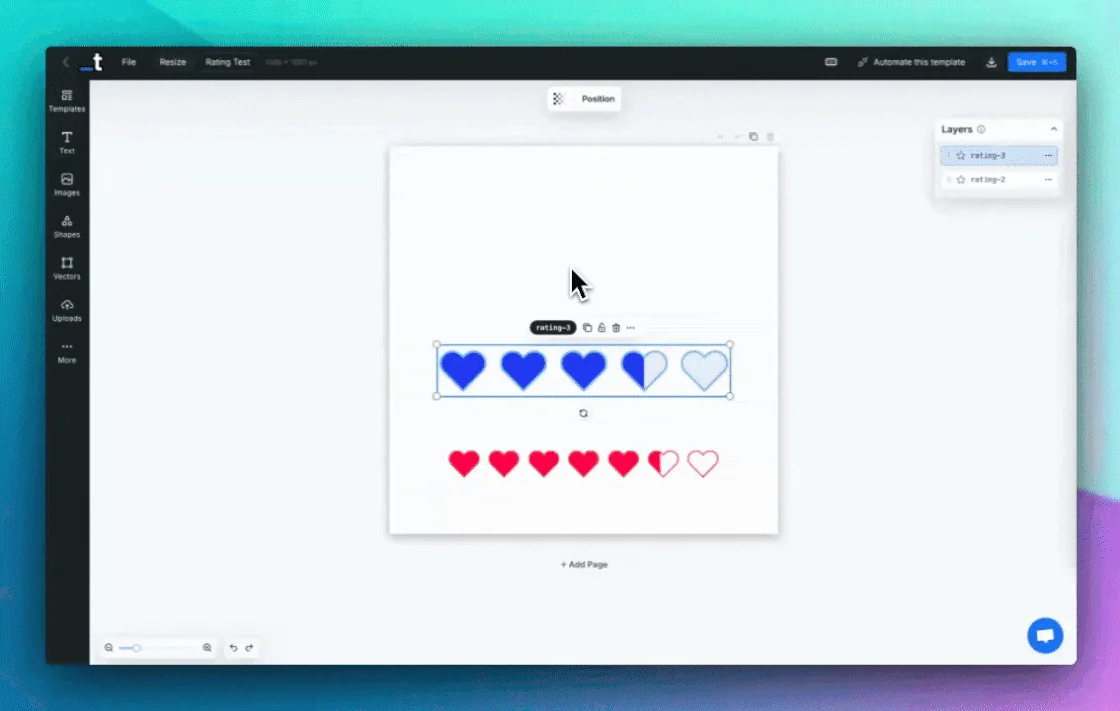
We're excited to introduce the Star Rating component - you can now add interactive, customizable star ratings to your templates!
Read the update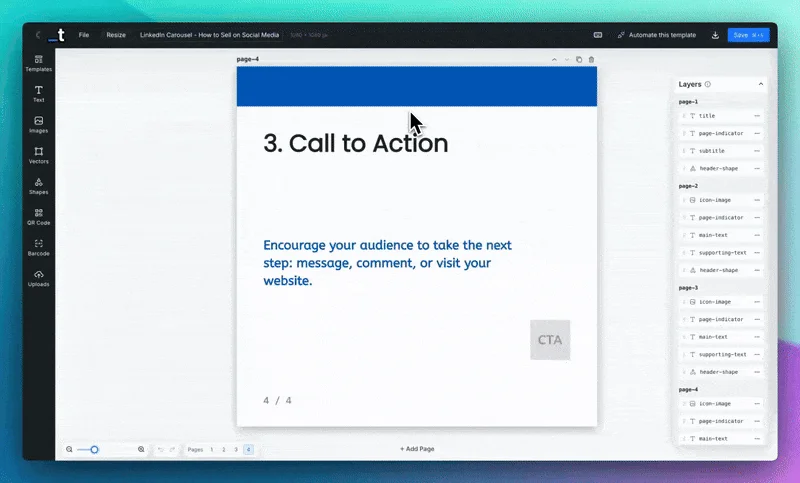
We're excited to announce a major update to Templated - you can now create multi-page templates!
Read the update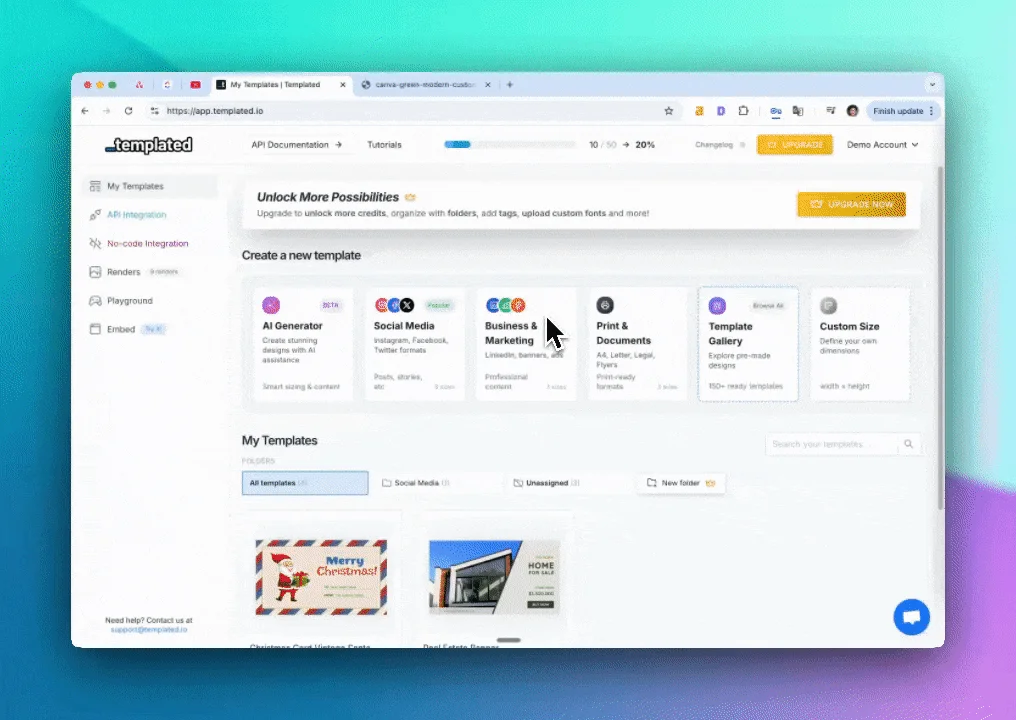
We've been working on improving our AI Template Generator and making it easier to quick start new projects and designs.
Read the updateReady to automate your images and PDFs?
Sign up for free and try the newest features yourself.