· Alternatives · 2 min read
4 Reasons to Switch from APITemplate for Image Automation
Templated offers a powerful alternative to APITemplate for image automation. From importing Canva templates and AI-generated designs to a flexible visual editor and better developer support, it helps teams automate image creation faster and more easily.
APITemplate has been in the market for quite some time & has been the go-to choice. The product is solid overall & has been consistenly go to choice.
Well, you don't have to leave it if you are using it for quite some time. However, as a founder of Templated, I will introduce you to some of the features that APITemplate doesn't have and are a must to save you some time & effort in automating your image generation. Let's get started with features that Templated has & make it a perfect rich feature alternative.
Import Canva Templates Directly To Templated's Dashboard
It feels painful to start from scratch with all the layers aligned for your automation if you have your designs already in Canva.
Sure, you can always import the base template & add layers. But then the purpose of automating is to save time, so why not save it altogether by importing it?
It's easy and takes a few clicks to do so. Here's how you can do it:-
The import feature preserves all the layers and renames them so that you can easily use them to automate your campaigns.
AI-Powered Template Generation
Well, how about when you don't have a Canva template ready?
Want a "certificate with blue border" or "social post with product image and caption"? The AI will spin up a draft template instantly.
Just prompt & get automation-ready template. For users, we have given some sample prompts to create templates from scratch, too.
Here's how this works: -
Template Editor & Design Flexibility
One of their G2 reviews mentions APITemplate's "limited template creator UI" with a need for more icons, formats, or custom sizes - (Source G2)
Templated's editor is built for visual design from the ground up. It offers a modern drag-and-drop canvas, a rich set of assets (text, images, shapes, vectors), real-time preview and zoom, and layer control.
There's no HTML/CSS coding required & anyone on your team (marketers, designers, product managers) can create templates in a visual way.
Here's a quick walkthrough of how our editor looks: -
Support, Documentation & Developer Experience
Again, I will refer to one of the reviews from their G2, where the user said they have a steep learning curve (Source). Troubleshooting complex templates or overrides may require digging into API docs or contacting support.
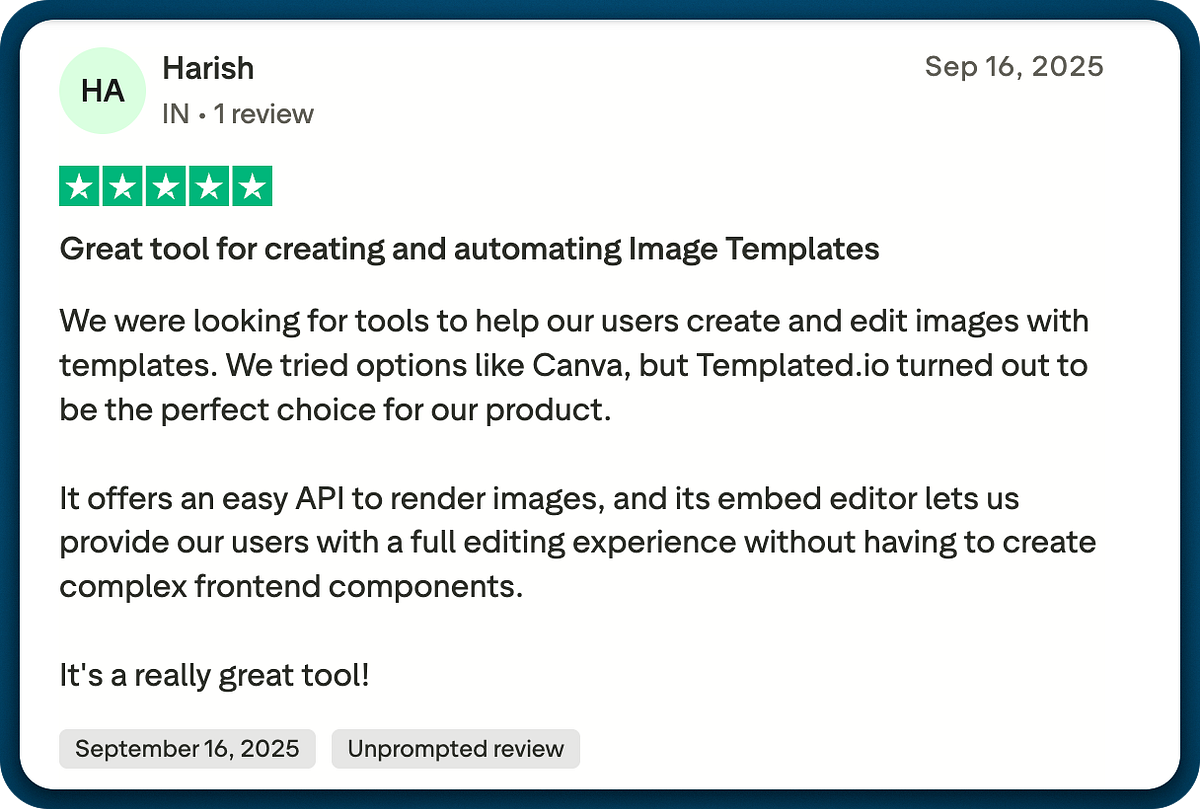
Templated positions itself as friendly for both coders and non-coders. It offers comprehensive guides, example code in multiple languages, and an active help center.
Conclusion
Overall, APITemplate is a good choice; however, if you are looking for a more feature-rich API, I would definitely recommend trying Templated.
If you are interested in learning about the new features we're working on, you can get a sneak peek here.
In any case, you want to switch from APITemplate & need my support, I am 'Hi' away in chat! If you are looking for more comparison, refer to the APITemplate alternative page I built specifically.
Happy Automating!
Additional Resources
Automate Social Media Posting on Different Platforms Using Make & Templated API
Automation To Repurpose Your Content Using Template API & n8n
Automate Certificate Generation via Templated's Built-In Dashboard Spreadsheet Integration


