A Canva API Alternative for Automated Image, Video & PDF Generation
Build asset generation into your SaaS. Create reusable templates in a Canva-like editor, send your data, and generate personalized files your customers can use.
50 free credits. No credit card required.





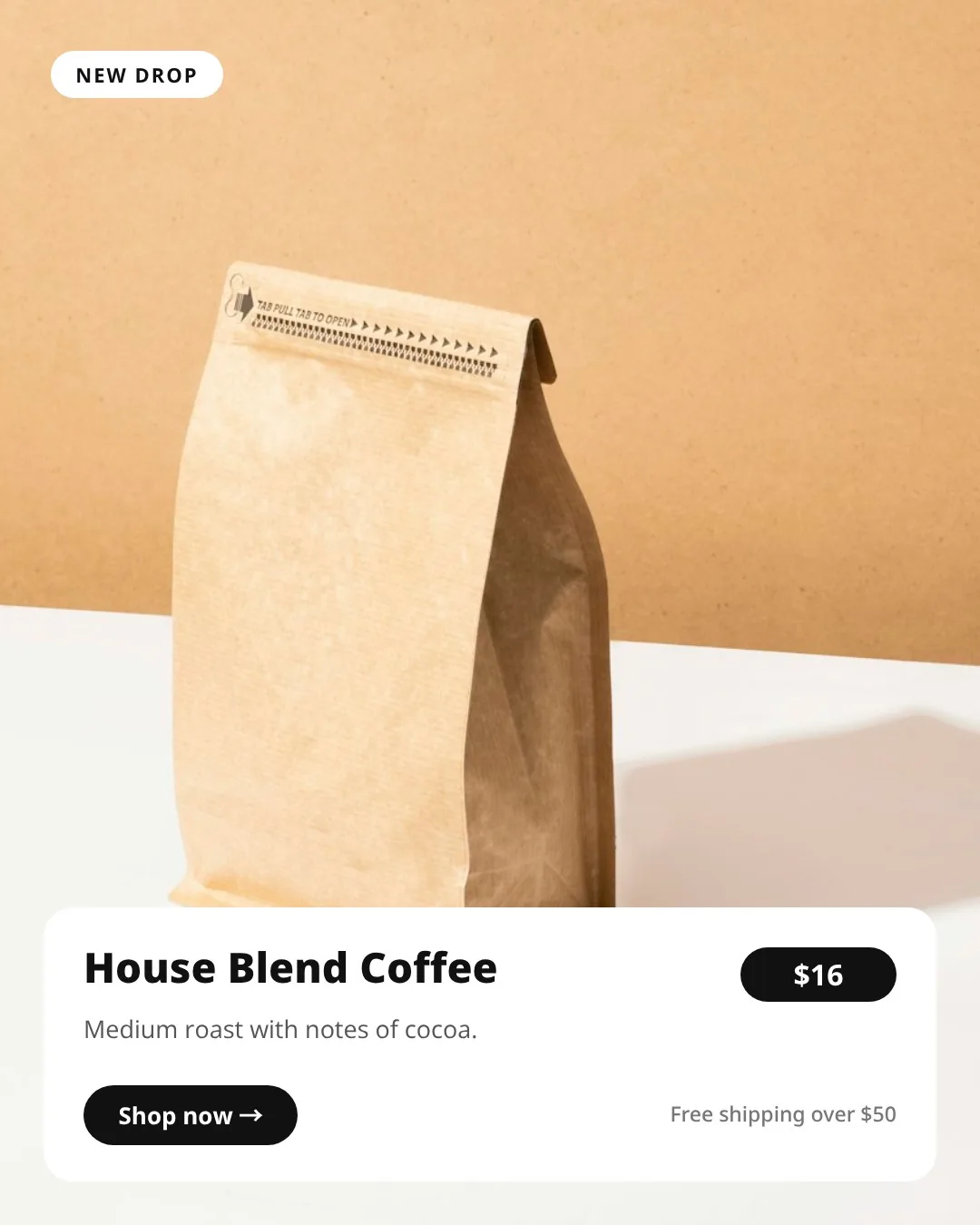
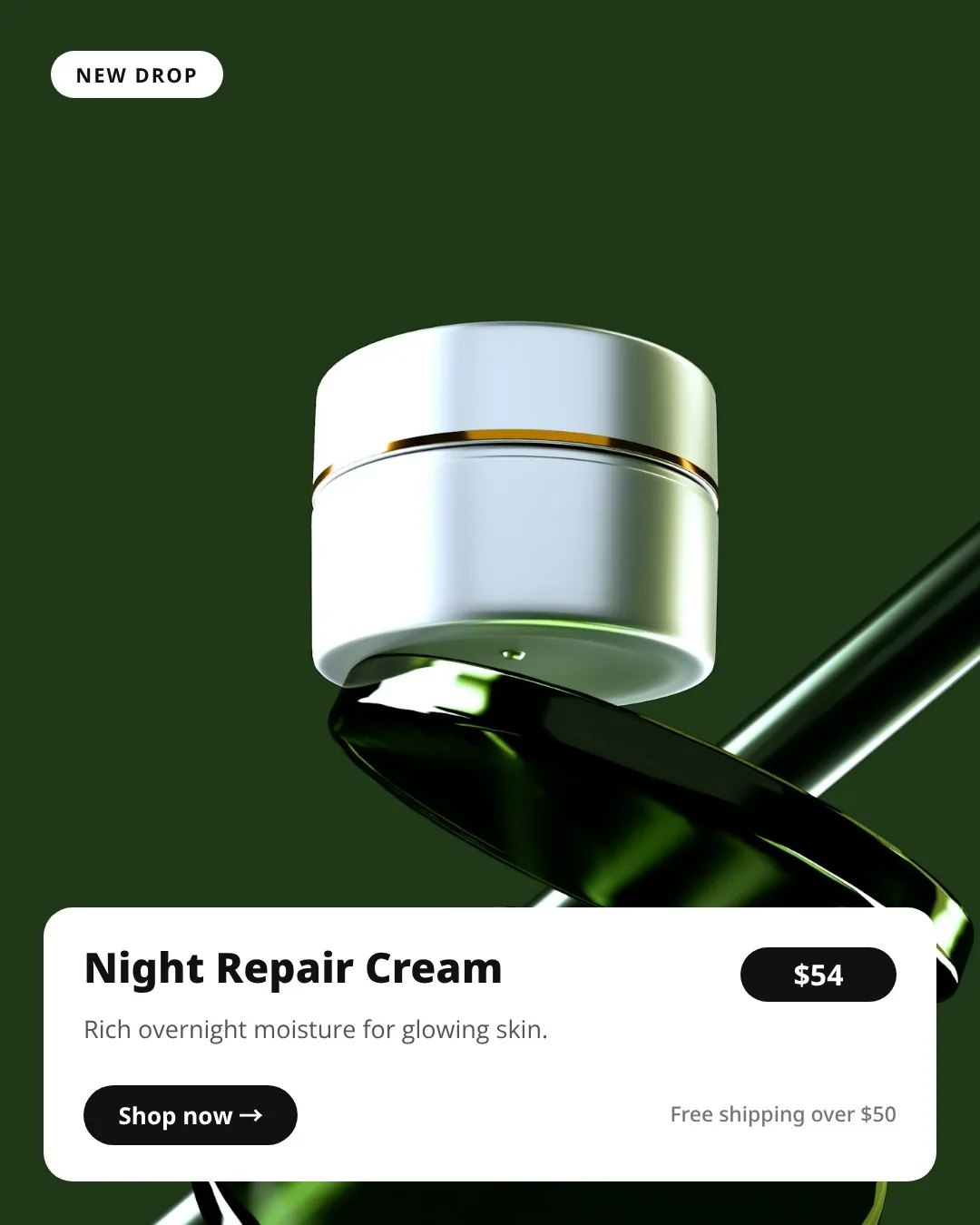

Trusted by teams at








How Does the Templated API Work?
Set up the layout once. Let your data create the next version.
- 1
Create your template
Build in the visual editor, choose a gallery template, start with AI, or import a Canva design. Name the layers you want to personalize.
- 2
Send your dynamic data
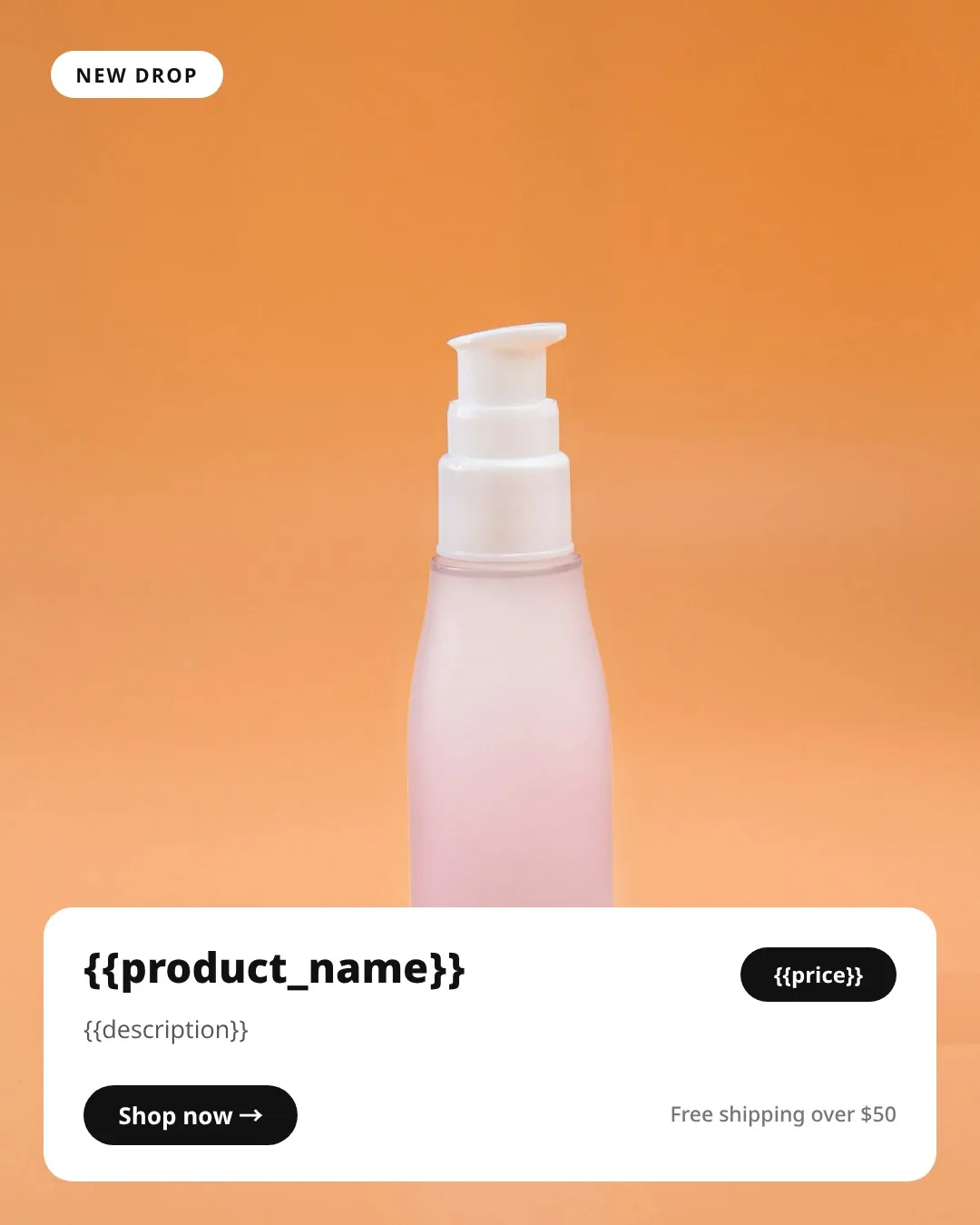
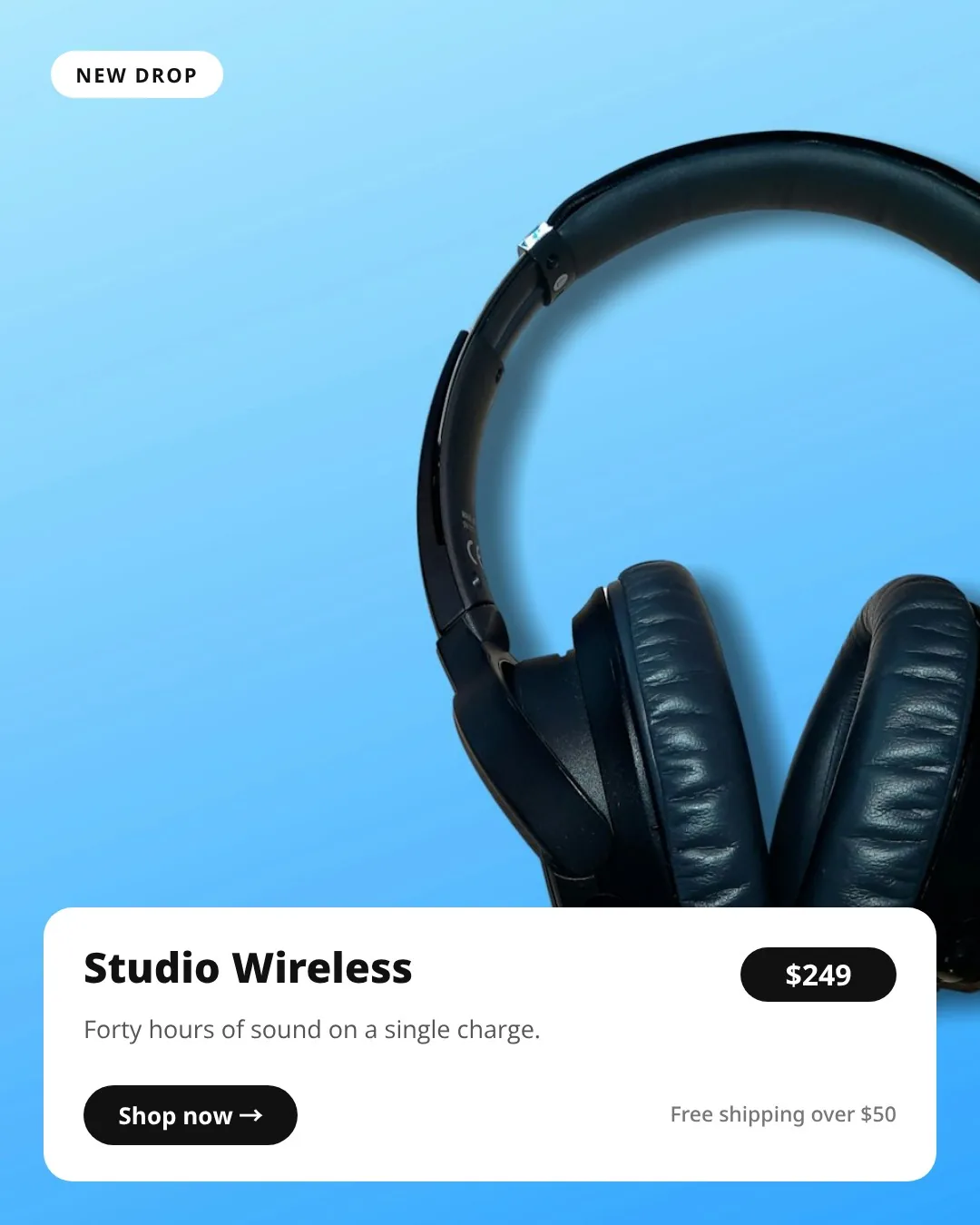
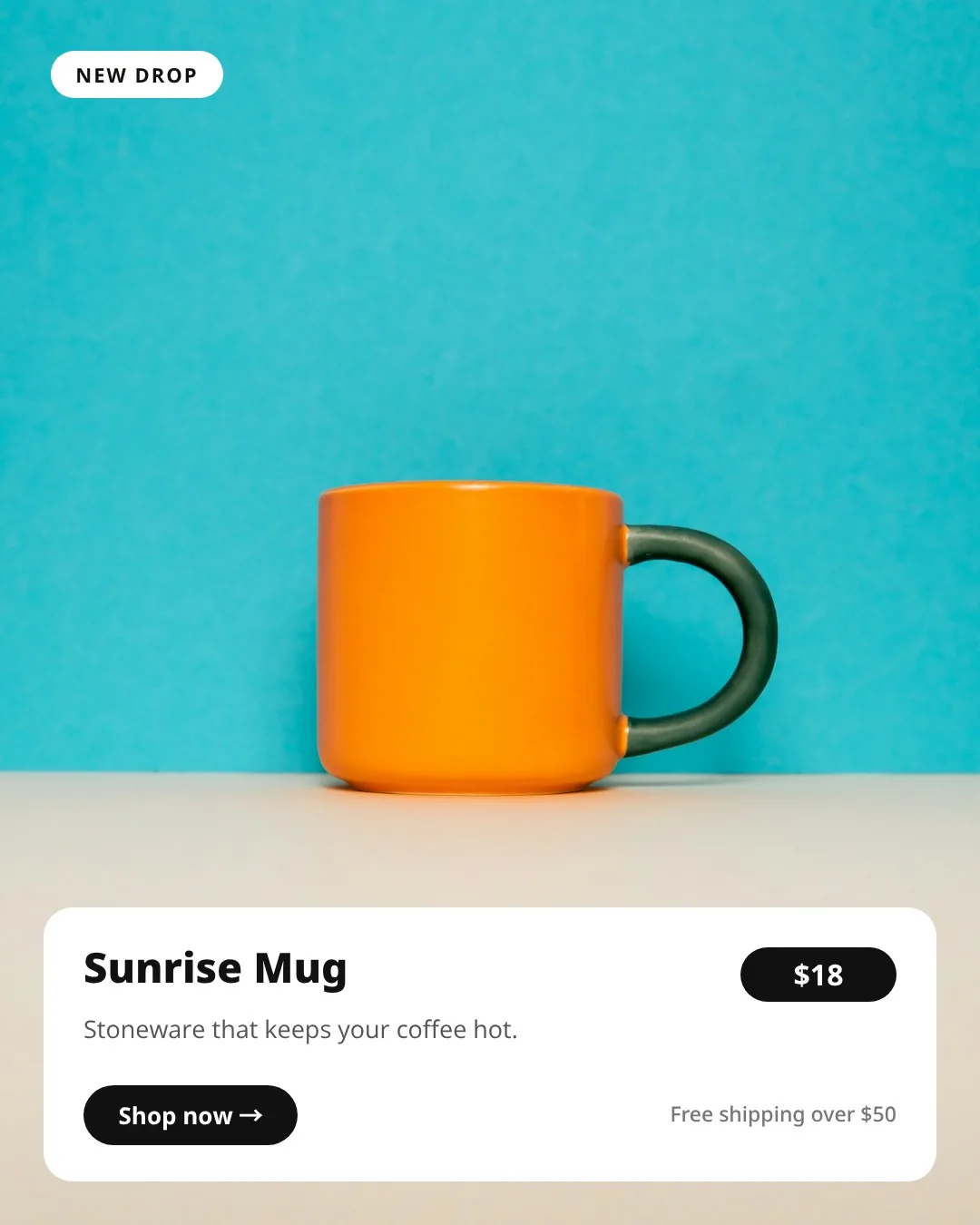
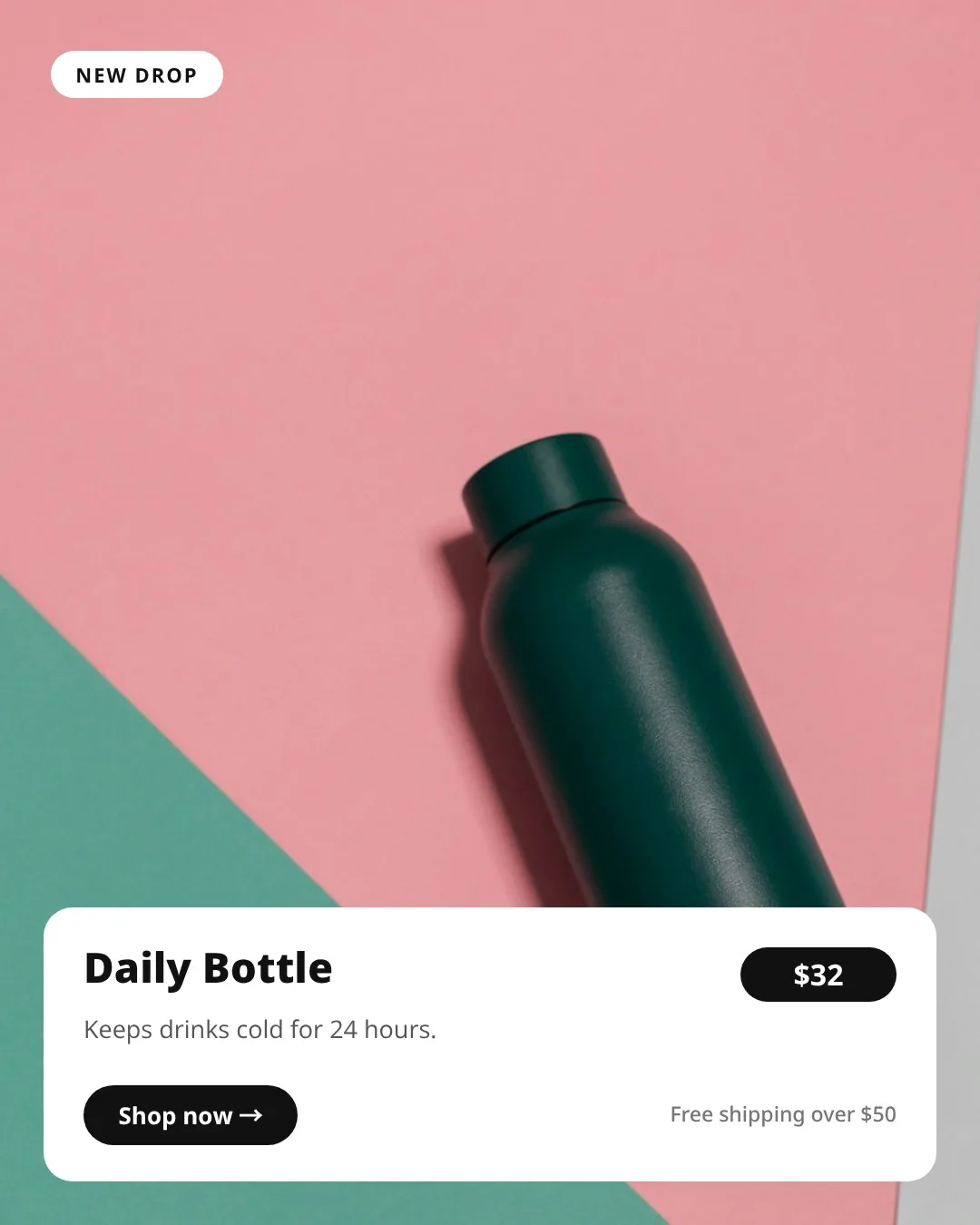
Supply the template ID and layer values as JSON. Replace a headline, change a price, swap an image, or update a color.
- 3
Generate the asset
Render your template as PNG, JPG, WebP, PDF or MP4. Use the completed file URL in your app or pass it to the next step in your workflow.
Use your API key, template ID, matching layer names and a publicly accessible image URL. Run authenticated API requests from your backend. See the Render API Reference
How Does Templated Compare With Canva's API?
Both platforms support programmatic design workflows. The choice depends on where your templates live, how you connect your data, and the experience you want to build for your customers.
| Capability | Canva API | Templated API |
|---|---|---|
| Authentication | OAuth authorization on behalf of a Canva user | API key for server-side requests |
| Backend workflow | Create or autofill a Canva design, then request an export | Send template data to the render endpoint and receive the generated file URL |
| Best fit | Products working with users' Canva designs and assets | Products generating assets from reusable templates |
| Visual template editor | Canva editor | Templated's Canva-like editor |
| Design creation and personalization | Design creation APIs and Autofill on qualifying paid plans, including Pro | Template creation APIs and dynamic layer values |
| Image and document output | PNG, JPG, PDF, GIF, PPTX and other formats, depending on the design | PNG, JPG, WebP and PDF; static HTML on Enterprise |
| Video output | MP4 export for supported designs | Template-based MP4 rendering, currently in beta |
| Bulk generation | Repeated API jobs; Bulk Create also available in Canva | API-driven generation and spreadsheet batches; plan limits apply |
| AI assistants and agents | Canva MCP server | Templated MCP server |
| No-code automation | Integrations such as Zapier, plus API-based workflows | n8n, Make and Zapier; available actions vary by connector |
| Spreadsheet workflow | Bulk Create using Canva Sheets, CSV or XLSX | Upload CSV or Excel files, map columns to layers, and generate a batch |
| Developer tooling | REST examples, starter kit and OpenAPI specification | REST examples for JavaScript, Python, PHP and cURL; use any HTTP-capable language |
| Editor inside your product | Canva editing workflows; the legacy Canva Button was retired outside China | Embeddable, white-label editor on Scale and Enterprise |
50 free credits. No credit card required.
How Templated Is the Best Alternative for Canva API
Import the designs you already use
Import Canva designs, Bannerbear HTML exports, Photoshop or Illustrator files, and PDFs or HTML from other tools. Convert supported elements into editable layers, make any adjustments, and generate personalized assets through Templated's API.
Build internal workflows without an Enterprise plan
Templated includes REST API access on Starter, so you can connect your internal tools and backend workflows. Canva requires Enterprise for private team integrations.
Skip OAuth setup for backend requests
Authenticate requests with your Templated API key. Canva's REST API requires users to authorize your app through OAuth, with access tokens your backend needs to manage.
Render directly from your templates
Send your template ID and dynamic content to Templated's render endpoint to generate the finished asset. Canva's workflow separates design creation or Autofill from file export.
Put a branded editor inside your product
Templated offers a white-label editor your customers can use within your app. Customize its branding and editing permissions on Scale and Enterprise plans.
What our customers say
People love how great our product works and how we're always there to help
"Business pressures now demand almost a 24x7 operation. The difference between choosing one SaaS product or another isn't just down to the technical capabilities of each, but down to their responsiveness when it doesn't quite work. In this case, an issue blocked us from being able to use the platform as intended. Within minutes of using the live chat, the issue was not only reproduced but correctly identified. Within the hour, the hot fix had been coded, tested and applied - unblocking the bottleneck and allowing us to carry on working. This is exceptional and the reason why I can't recommend this company enough - I'm so impressed and very grateful for their hard work. Keep it up!"
"This is a clever idea, especially in concert with programmatic (AI-generated) SEO."

"We were looking for tools to help our users create and edit images with templates. We tried options like Canva, but Templated.io turned out to be the perfect choice for our product. It offers an easy API to render images, and its embed editor lets us provide our users with a full editing experience without having to create complex frontend components. It's a really great tool!"
"We integrate Templated.io into our portal for custom flyer generation. The editor is amazing, and the Canva import tool is exactly what we were looking for. Massive shoutout to Pedro for the technical support. He responds incredibly fast and fixes issues in no time. Highly recommended!"
"Brilliant piece of software. Reasonably priced (vs Canva's outrageously expensive API), and despite a few intricacies with the editor, a really fully-featured document generation API. Really great support too from Pedro, the founder!"
"Very reliable platform. Almost no errors ever. Easy to setup templates and use the API. And AMAZING support!"
"We booked the "Scale" package to use it as a "print product editor" and we are amazed by the features and the support! Pedro replies to every question and also implemented small hints to the API for better functions on our request. Absolutly great Software and Service!"
"Templated.io is basically a an API-first graphics content designer which makes it super easy to programmatically create document and image assets. It has most basic features and it is robust and "just works". The Make.com app really makes it super simple to incorporate into automation workflows. What sets templated.io apart the most is Pedro and his super fast and service minded, solutions oriented responses."
"Amazing API, perfect support and a lot of new features on a monthly basis."
"Currently working through an implementation of Templated.io and the customer service has been spectacular!!! I get near immedate response and near immediate remedies. It's glorious. I wish other companies were like this!!! Strong recommendation!"


A Canva API Alternative That Fits in Your Workflow
AI Agents & MCP
Use Claude, ChatGPT, Cursor or another compatible AI assistant to create templates, update content, and generate assets through Templated's MCP server. Describe what you need, from a single graphic to a batch of personalized images.
No-Code Tools
Connect Templated to n8n, Make or Zapier to generate assets as part of your existing workflows. Turn new product data into promotional graphics or form responses into personalized certificates, without writing code.
Code & API
Send your template data through the REST API using JavaScript, Python, PHP or any language that supports HTTP requests. Generate product cards, certificates and PDFs from your backend, then use the returned file URL in your application.
Spreadsheets
Need a batch without setting up an automation? Upload a CSV or Excel file, match its columns to your template layers, and preview the results. Generate personalized images and download them together as a ZIP.
Webhooks: Trigger generation when a form or app sends new data to Templated.
Explore All IntegrationsAdd a Canva-Like Image and Video Editor to Your SaaS
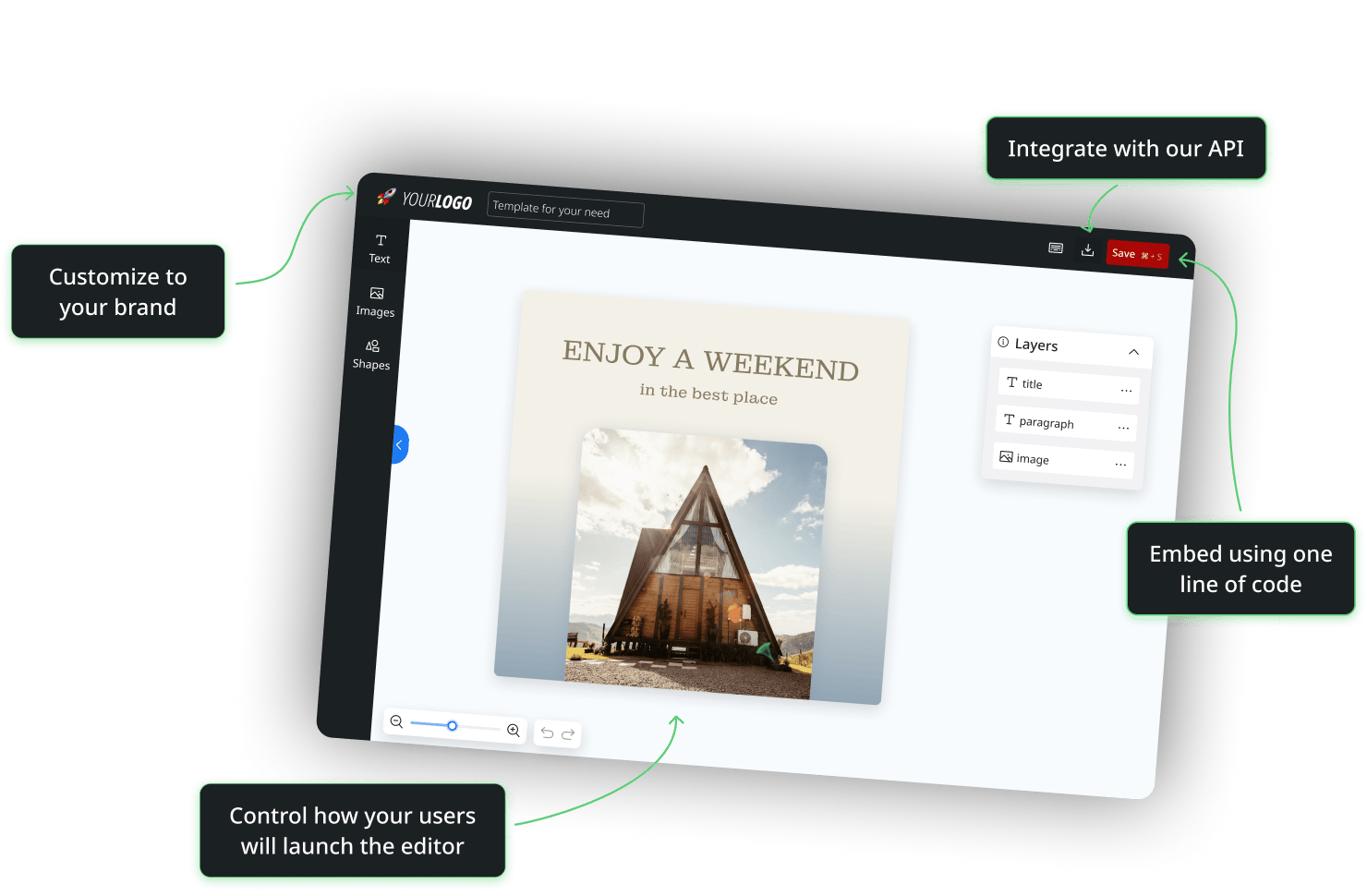
Let your customers create and edit designs inside your app, under your brand. Embed Templated's white-label editor without building one from scratch.
- Match the editor to your logo and colors.
- Choose which editing tools customers can use.
- Offer templates, gallery designs, or a blank canvas.
Available on Scale and Enterprise plans.
Pre-designed Dynamic Templates
Choose a professionally crafted template design from our Template Gallery to kickstart your projects


Canva API FAQs: Pricing, Templates and Automation
Can't find your answer? Visit the Help Center
Does Canva have an API?
Yes. Canva's REST APIs let developers connect Canva to their applications, create designs, upload assets and export files. Its Autofill API supports personalization using prepared data fields. Canva also provides tools for building apps inside its editor. The right option depends on whether you want to work within Canva or generate assets from your own application.
Is the Canva API free, or do I need a paid plan?
Canva offers its Connect APIs free of charge for building integrations, but some features require a qualifying Canva subscription. Ongoing Autofill access requires an eligible paid plan, while private team integrations require Enterprise. Check the requirements for your intended workflow when evaluating Canva API pricing.
Templated includes REST API access on Starter and offers 50 free trial credits. Explore Templated's plans.
What does the Canva Autofill API do, and does it require Enterprise?
The Canva Autofill API fills prepared fields in a design or brand template with your data. Use it to personalize text, images and other supported content, for example, creating certificates with different names.
Autofill is available to qualifying Canva Pro, Teams and Enterprise users. It is not limited to Enterprise. Private team integrations have a separate Enterprise requirement.
Can I edit Canva templates programmatically with an API?
Yes, for supported changes. Canva's Autofill API can populate configured fields to create personalized designs or update an existing design. Those fields must be prepared for Autofill; this does not provide unrestricted editing of every design element.
With Templated, you can supply text, images, colors and other supported layer values in a render request to generate a personalized file.
How do I bulk create designs with the Canva API?
For backend automation, submit Autofill jobs with different data, wait for each job to finish, and export the resulting designs. Your workflow must respect Canva's API limits.
Canva also provides a Bulk Create API for apps running inside its editor. With Templated, you can generate variations through the REST API or upload a spreadsheet to create a batch of images.
Learn how to automate image generation using spreadsheets or generate images from Google Sheets with Make.
How can I turn my Canva designs into reusable API templates?
Import your design into Templated using its public Canva link. Review the converted layers, adjust the layout where needed, and identify the text or images you want to personalize. Then send new content to Templated's API to generate variations.
This makes Templated a Canva Autofill API alternative for workflows that generate assets outside Canva. See how Canva imports work.
What other Canva API alternatives can I explore?
Alongside Templated, options include Bannerbear, Placid, Creatomate and APITemplate.io. Their supported formats, template editors, integrations and pricing differ, so compare them against the workflow you want to build.
Explore our comparisons of Templated with Bannerbear, Placid, Creatomate and APITemplate.io to find the right fit.
Start Automating Images, PDFs and Videos with Templated API
Create a free Templated account, choose or import a design, and generate a personalized file with your own data. Start with one workflow and build from there.
50 free credits. No credit card required.